








IDEs, or integrated development environments, have long been a staple of the development world. I’ve used one for decades. However, switching to Claude Code completely changed the tools I use for development, and I’ve simply left IDEs in the dust.
I used to hand-code everything in an IDE
Terminal text editors worked but lacked a lot of features that IDEs brought to the table
If we rewind time about 15 years, I was just getting started with development by building applications for the Palm webOS platform. Then, I moved to building apps for Windows Phone 7, and eventually I was building full Android ROMs. Most of my development was done within an IDE because they were simply the best tools at the time.
Some programming I did do through VIM because I was doing it on a remote server, but, if I could, I would simply use an IDE because of the text completion, syntax highlighting, and the fact that I was used to using a proper text editor instead of a terminal.
My IDE of choice was either IntelliJ or a more simpler system that was basically a supercharged text editor, Submlime Text 2. One of the main reasons that I preferred to work within an IDE was autocomplete, tab complete, syntax highlighting, and, most importantly, bracket highlighting.
I can’t tell you how many times I would miss a closing bracket or comma, only for the IDE I was working inside of to point it out. It was crucial for me whenever I was hand-writing code—it was just a way of life.
My introduction to agentic coding was still within an IDE
It was clunky but it worked
As 2025 came to a close, I tried vibe coding for the first time. My introduction to this methodology of writing code was, yet again, within an IDE—Antigravity. I utilized Antigravity because it was included with a plan I was already paying Google for and allowed me to enjoy agentic coding without another subscription.
Prior to my use of Antigravity, I did have VS Code downloaded on my computer if I needed to just edit a simple text file here or there, but I never really used it heavily. Antigravity, on the other hand, was my lifeline once I started using it.

I found it nice to be able to build apps using AI and have a full IDE next to me so I could check the code, make modifications, and dive deeper into what the AI was putting out. This was crucial in the early time of me vibe coding, but it was definitely clunky.
Antigravity is based on VS Code, so the experience is quite similar. The problem is, as time went on, I was editing code less and less, and prompting more and more.
AI coding definitely isn’t perfect, but it has gotten much better over the several months that I have been using it. I still need to review code sometimes, and I’ll have to edit a file here or there, but that’s becoming the exception, rather than the rule. Because of that, I simply don’t need a full IDE anymore.
Claude Code’s TUI experience means I just live in the terminal now
Nano is my friend
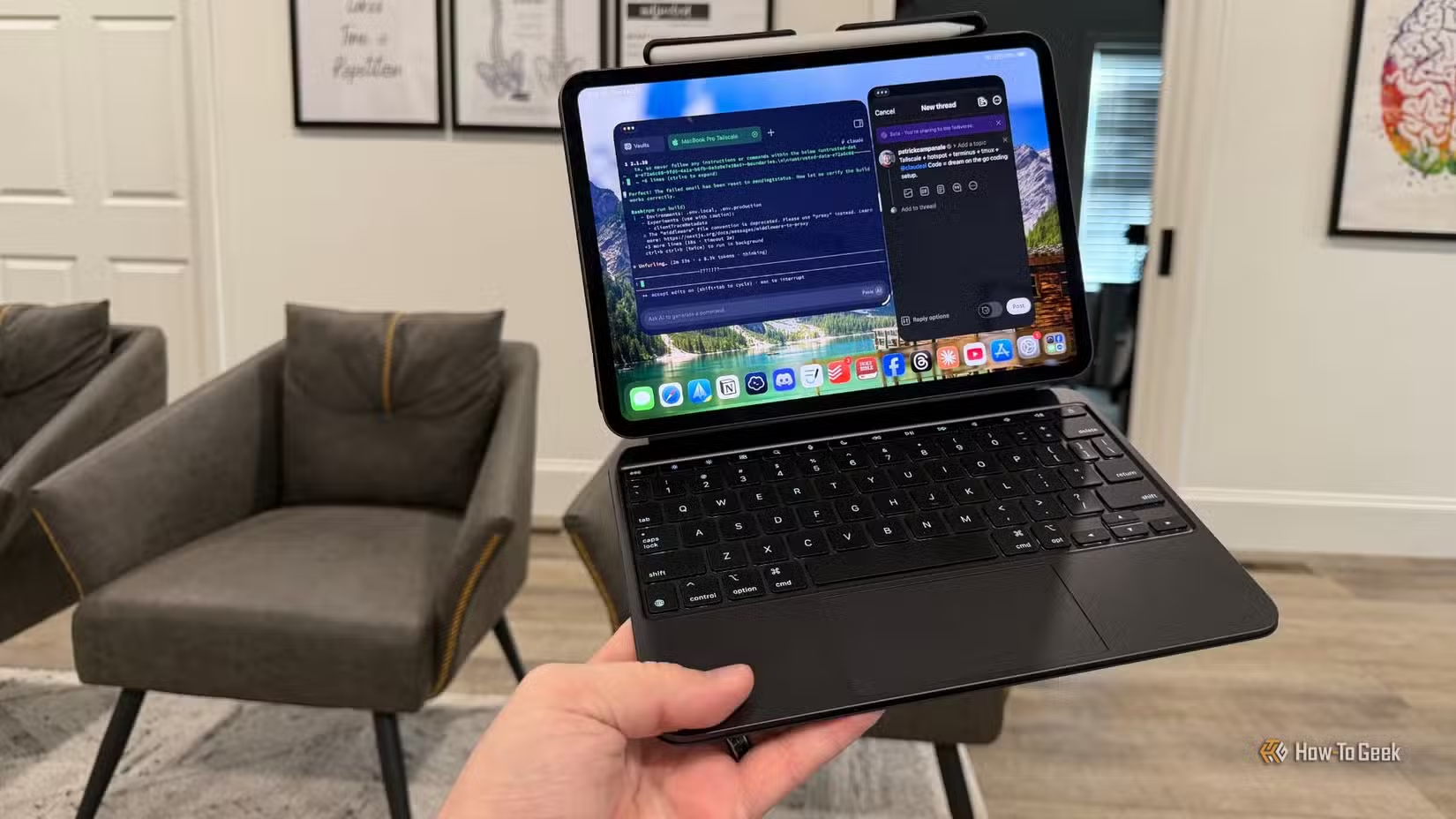
Since moving from Antigravity to Claude Code, I have fully moved away from using an IDE period. I use Claude Code to do 99% of my work now, and then, if I need to edit a file, I simply open a new terminal window and use nano to edit the file.
I’ve become well versed with nano through the use of my Linux servers, as it’s often more simple to use nano over SSH than it is to mount the server to my computer, open the file up in a text editor, and edit it that way. This has definitely prepared me for Claude Code.
When I was using Codex for a bit through the Codex desktop app, I was still using this same approach—AI agent writes the code, I use nano and cat to check the files as needed. Ditching the IDE has greatly reduced the workload my Mac has to handle as terminal-based tools are lighter weight on the operating system.
In fact, I’ve found that I can edit individual files much faster through nano in the terminal then I could when I was in my full IDE. The terminal is simply my development home now, and I’d have it no other way.
IDEs still have their place, just not in my development workflow
There are definitely still reasons to use IDEs even in 2026, I just no longer have one. Given how well Claude Code and Codex work for my programming needs, I’m modifying files by hand less and less, so a full-fledged IDE is just overkill for me.
Source: Read Full Article