








I’m one of the first people to bring up how bloated Windows has become, stuffed with features and software that no one needs or wants. However, I also have to give credit where it’s due.
Over the years, using the various versions of Windows, there was always a set of apps that you’d install as soon as the Windows installation was done. Your computer simply wasn’t ready to use without these third-party apps. Microsoft clearly took notice, because there are quite a few of them that are pretty much optional at this point thanks to native Windows features.
WinRAR / WinZip/7-Zip
All the small things
One thing that hasn’t really changed over the years is the use of flle compression. Many of the files you download from the internet every day are compressed to save bandwidth, and for most of the existence of Windows you needed a third-party app to open these files.
Then, all the way back in the year 2000, Windows got native ZIP file support in Windows ME (remember that?) and so, for this common compressed format, you no longer need an app. However, other standards like RAR, TAR, and 7z were not supported.
It would take years for Windows to get native support for these file formats, allowing you to open them in File Explorer and create archives directly from the context menu. But, now it’s here. So, for most people, installing dedicated file compression apps is completely optional. You only need to do it for access to advanced features.
CCleaner
It was never a good idea anyway
It used to be an annual ritual to completely format your PC and install a fresh copy of Windows, so that you can enjoy a snappy and responsive computer. At least for a while. Then the digital crud from apps and Windows processes would build up again so that you could repeat the entire process over and over.
Computer “cleaner” apps promise to make your computer snappy and free up lost hard drive space by removing corrupt or useless files, and otherwise checking that things looked the way they should. CCleaner is one of the best-known names in this category, and I know plenty of people who have sworn by it for years.
Today, most of what apps like CCleaner do are baked into Windows. For example, we have Storage Sense, which makes it easy to see what’s using up drive space and lets you remove temporary files in a few clicks.
Apart from basic cleanup. CCleaner also offered to clean out junk from the Windows Registry. This sounds good, but it turns out that junk entries in your Registry don’t actually slow your computer down, and there’s a real risk of breaking something important.
If you really want to have a dedicated app that promises to clean out the junk and boost your performance, you still don’t have to go third-party. Microsoft has the official PC Manager that covers the gap between what Windows does natively and cleaner apps offer.
Third-Party Antivirus
Windows gets a taste of its own medicine
Viruses have always been a problem on PCs, but before the internet they largely spread through media like floppy disks. If you were sensible, you probably didn’t need an antivirus in the days of DOS and early Windows versions. But as more of us connected to the net, an antivirus package became essential.
Since I was just a penniless student, one of the first things I downloaded on my new Windows installation was Avast! free antivirus software, but with the advent of Windows Defender, the need for this basic antivirus protection fell away. I’ve been using Windows Defender for 14 years as of this writing, and it seems to be doing the job just fine.
That’s the one spelled with an “a”
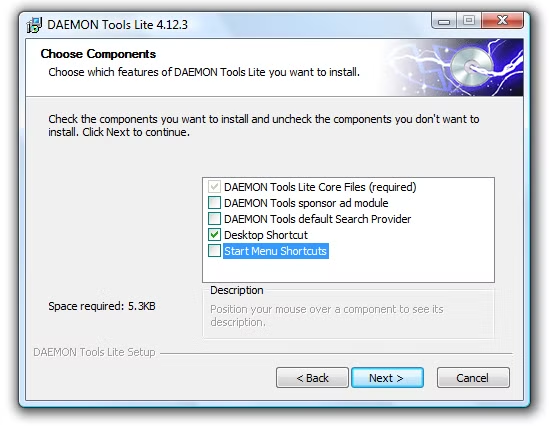
It feels a little strange talking about the golden age of apps like Daemon Tools and Alcohol 120% when PCs these days don’t even have optical discs. Well, believe it or not, but even when we were using optical discs it was a pain. Ripping your software CDs to your hard drive as ISO files and mounting them as virtual discs freed you from having to insert a disc every time you wanted to run software that required a CD, especially as hard drive sizes began to swell. It was also a great way to use “CDs” with some of my laptops over the years that didn’t have built-in optical drives.
While mounting ISOs is a pretty niche thing to do these days, if you double-click an ISO in modern Windows, it mounts as a virtual disc!
Sherlocking for everyone
“Sherlocking” is the practice of creating a native version of a feature that used to necessitate a third-party app, and is usually associated with Apple, but this list shows that any OS can do the whole “great artists steal” bit. The good news is that none of this takes away the option of using third-party apps, but personally, I’m never going to install more than the minimum number of Windows apps I need. Windows comes with enough bloat as it is.
Source: Read Full Article