







“There’s an app for that!” We’ve all heard this slogan before, and it’s usually true. Apps have replaced many single-purpose products, but that doesn’t always mean they’re better. Some physical items are actually easier and more convenient than tapping a screen.
Timer or Stopwatch
No screen timeout or lock screens to mess with
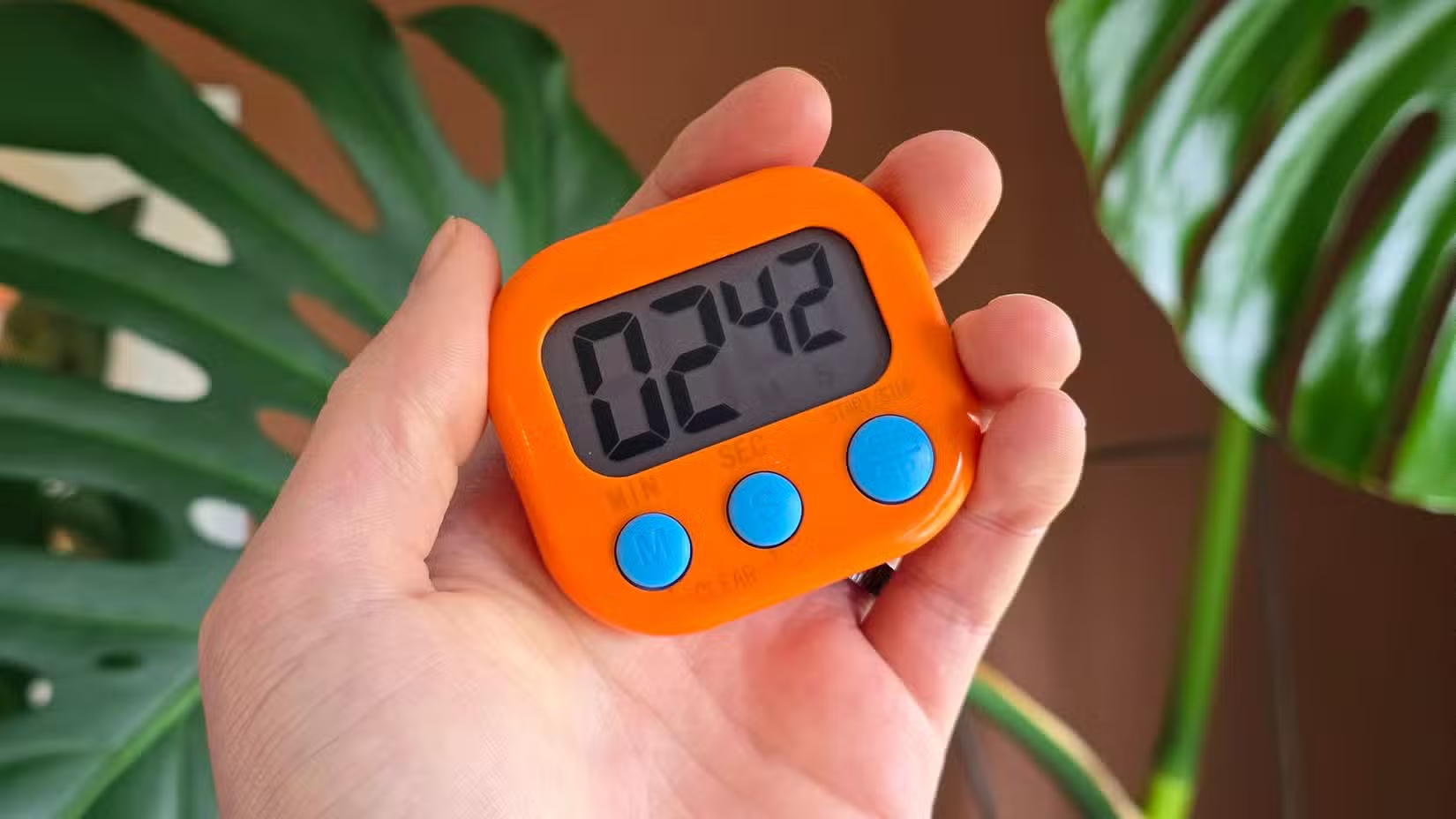
The idea for this article came about when my wife bought a six-pack of simple digital timers for only $12. She was tired of setting timers on her phone for her workout and stretching routine. The screen turns off, and then she has to wake it up to see the remaining time or fiddle with the lock screen to restart the timer. This isn’t life-altering, but it’s a layer of friction that doesn’t exist outside of an app.
These little timers have quickly become useful for other purposes around the house. They’re very easy to set—either as a timer or a stopwatch—and the kickstand and magnet on the back make them easy to keep nearby. The time is always visible, and there’s nothing between you and immediate access to the physical buttons.
Flashlight
Unsurprisingly better than an LED “flash”
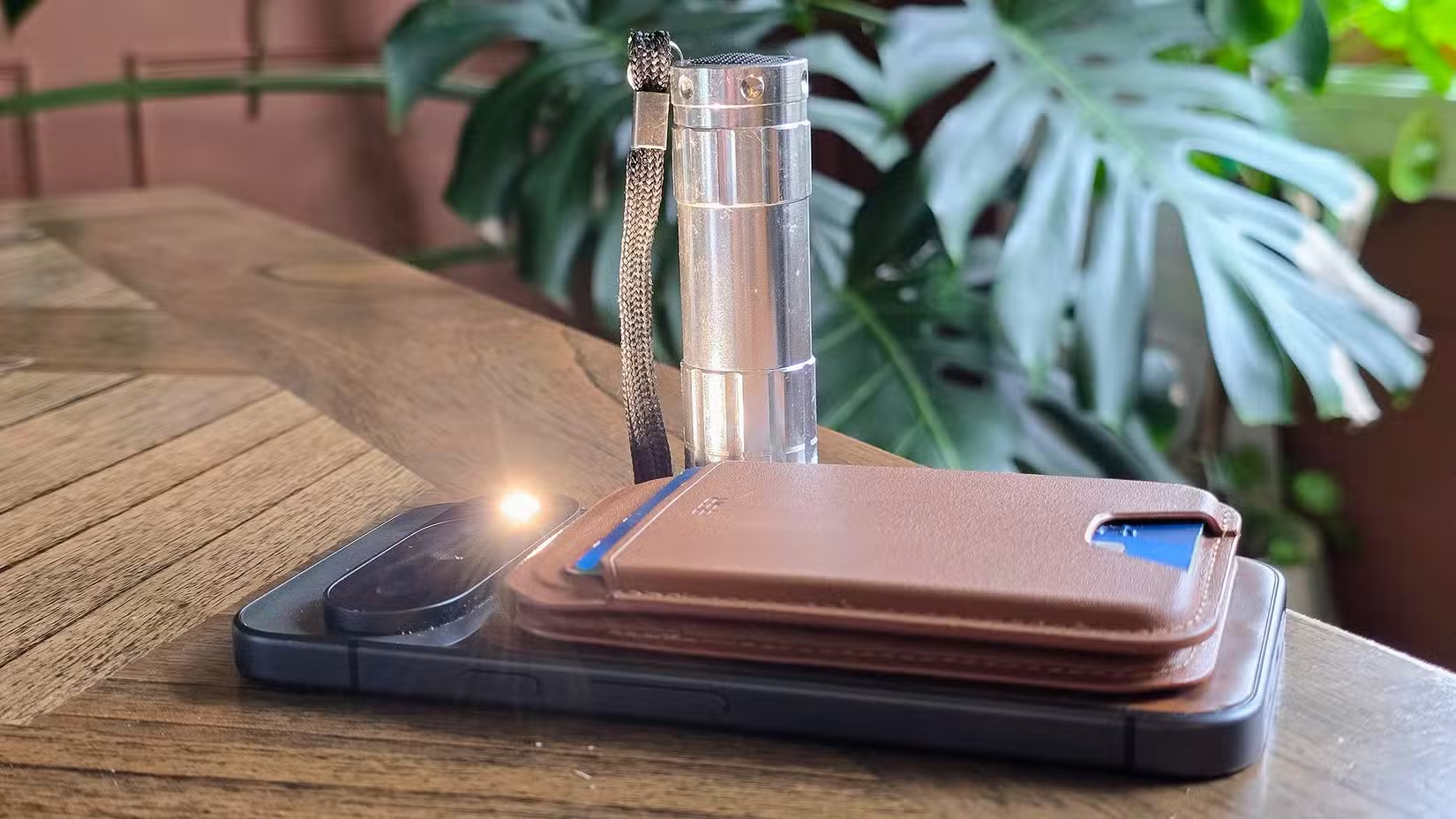
In the early days of smartphones, everyone had to install a flashlight app. Those apps have been replaced by the Android Quick Settings and iPhone Control Center, but flashlights have changed, too. They used to be big and relatively expensive. Now, they can be purchased in cheap multi-packs like USB cables.
A physical flashlight is also just flat out much better. The LED flash on most smartphones is only throwing out around 40-50 lumens of light. That’s okay in a pinch, but not when real light is needed. Here’s an $8 flashlight that can be charged via USB-C and has over four times the lumens of a smartphone flash.
Kitchen Conversion Chart
Stop asking Google for measurements
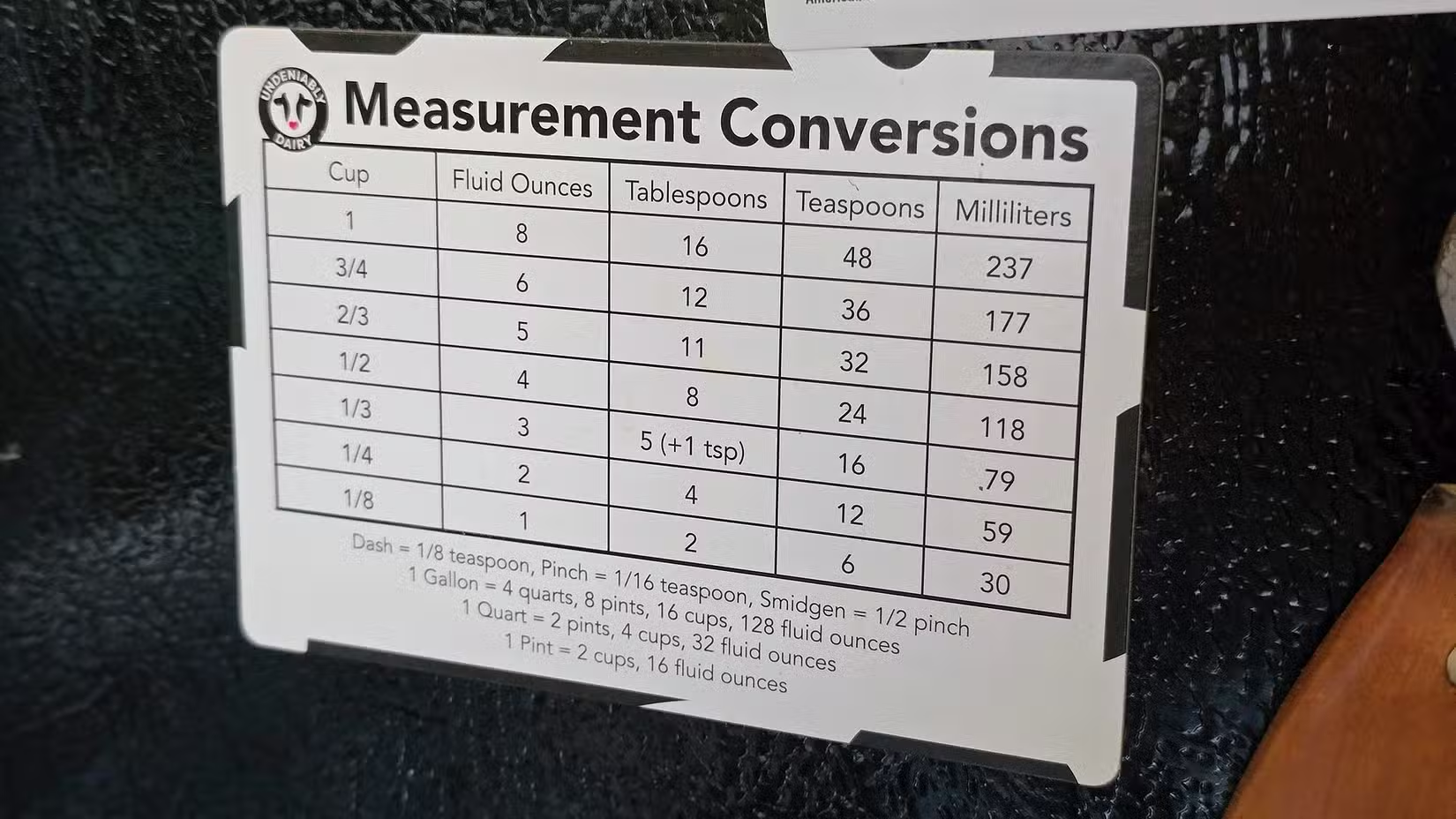
“Hey Google, how many teaspoons in a tablespoon?” “Hey Google, how many ounces in two cups?” “Hey Google, is a quart bigger than a pint?” If this sounds like you in the middle of following a recipe, let me introduce you to the humble conversion chart.
I don’t remember where I got the conversion chart that lives on the side of my refrigerator, but I use it all the time. Sometimes the exact measuring apparatus I need is dirty, so I have to make do with smaller increments. Even if you’ve committed many of the common conversions to memory, it’s nice to have a quick reference when you’re not sure. It’s infinity easier—and more trustworthy—than a Google search.
Tape Measure or Ruler
Your phone is a ruler…but not like that
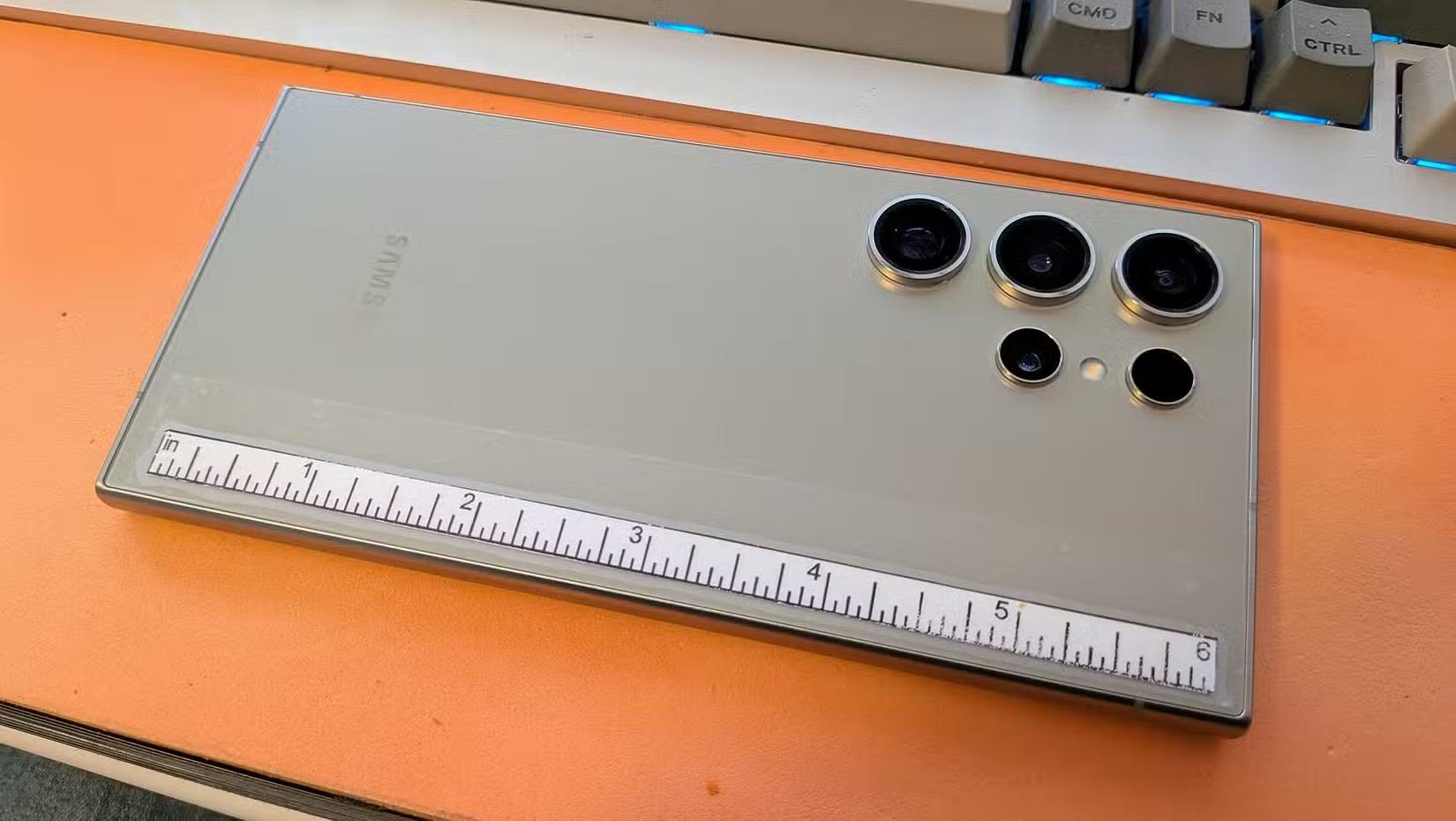
Smartphones have multiple methods for measuring items and distances in the real world. The iPhone uses a LiDAR scanner, but most require pretty basic “ruler” apps. I’m on record as saying these can be used in place of a tape measure, but there’s also a third option: ruler stickers.
The idea is that phones are pretty big and with us most of the time. So, why not put all that empty space on the back of your phone to good use and slap a ruler on it? A Galaxy S26 Ultra, for example, can fit a full 6-inch ruler. There are cheap stickers available online, but there’s also nothing stopping you from printing one out and taping it on yourself.
Apps aren’t always the answer
I love an app that replaces a bulky item or a device I’m never going to buy—like a spirit level or decibel meter. I also love super simple “dumb” accessories that do only one thing, and they do it very well. Apps are better sometimes, dedicated devices are better other times. You can have the best of both worlds.
Source: Read Full Article