







ESP32 projects are a tinkerer’s dream. They’re cheap to build, incredibly flexible, and can be quick to put together. There are plenty of ESP32 projects that you can build in an hour or less.
5 ESP32-powered 3D printing projects to try this weekend (Mar 27 – 29)
It’s all about filament and microcontrollers.
Set up a Bluetooth proxy
Extend your Bluetooth reach
This is one of the quickest things you can do to turn an ESP32 into a useful part of your smart home. You don’t need to add anything to the ESP32, as there’s already Wi-Fi and Bluetooth on board.
Bluetooth is a short-range communication protocol, so if you have Bluetooth devices in your smart home, they may be too far from your smart home hub to connect directly. A Bluetooth proxy solves this problem.
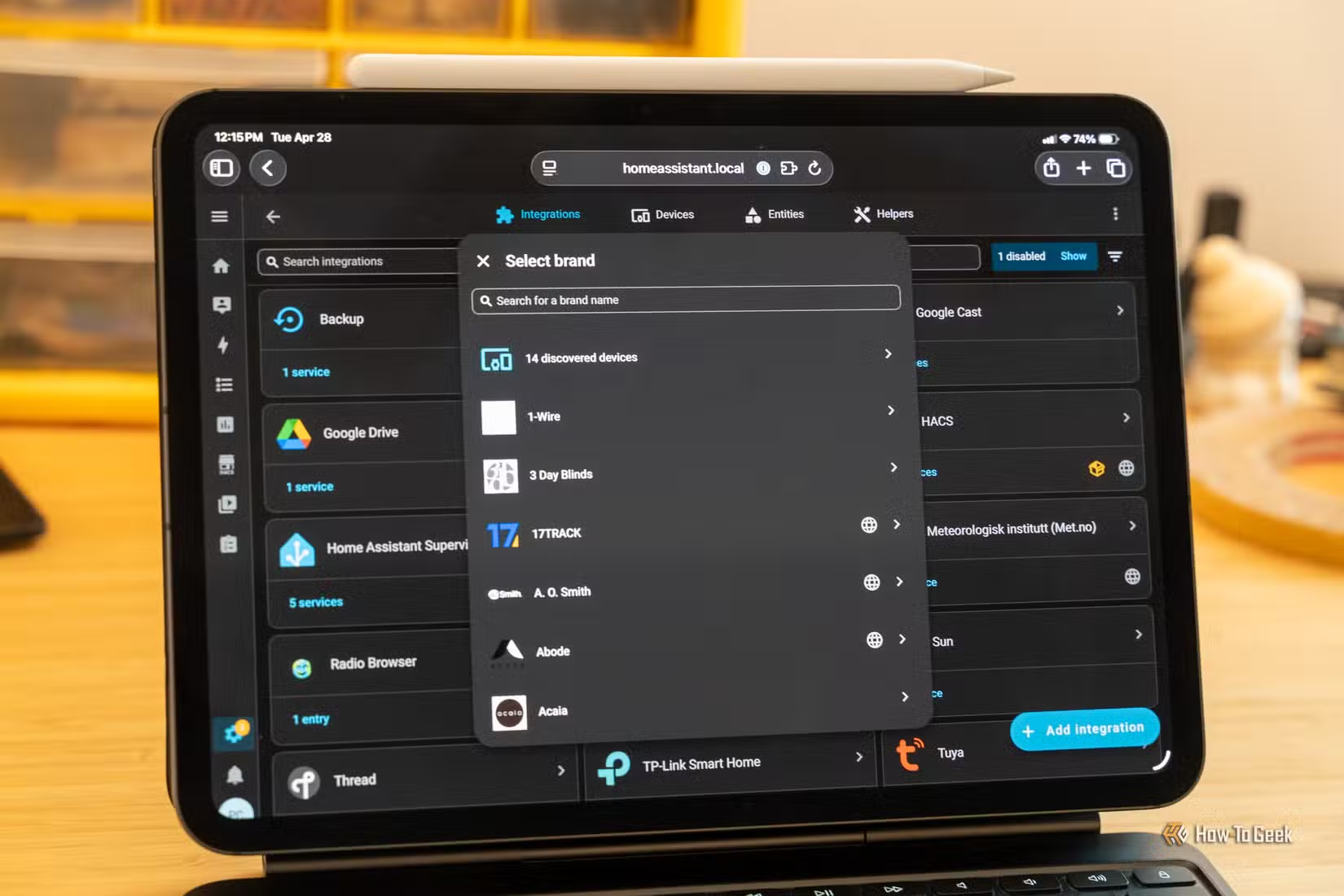
You can place an ESP32 Bluetooth proxy in the same room as your Bluetooth device, and it will act as a bridge, relaying information back and forth between your smart home hub via Wi-Fi and your Bluetooth device over Bluetooth. All you need to do is flash ESPHome, enable the Bluetooth proxy functionality, connect it to your Wi-Fi network, and add it to Home Assistant. There’s no wiring or soldering necessary.
Build a temperature and humidity sensor
Minutes to build, years of use
ESP32s are great for building smart home sensors, and it’s usually far cheaper to build your own sensor than to buy one ready-made. You can make a temperature and humidity sensor that can improve your heating automations, monitor your bathroom humidity, or decide when to run fans.
All you need is an ESP32 and a suitable sensor such as an AHT20 or a BME280. With just a few jumper wires, you have a device that you can flash and connect to ESPHome, and before you know it, you’ll have temperature and humidity readings appearing in Home Assistant. It takes less than an hour to build, but it can serve you for a long time.
Set up a vibration sensor
Know when your laundry is done
Another useful sensor you can build with an ESP32 is a vibration sensor. This type of sensor can be really useful for things such as detecting when your washer and dryer have finished running, since these devices will vibrate a lot when in use.
It’s quick and easy to build a vibration sensor using an ESP32 and a module such as an SW-420. You can make one for just a couple of dollars. Once built, you’ll need to make sure you include appropriate delays in your automation, as washers and dryers will often pause mid-cycle.
Make a motion sensor or presence sensor
Detect occupancy, not just motion
One of the most impressive home automations is having your lights turn on automatically when you walk into a room. You can buy ready-made motion sensors, but you can build one with an ESP32 for much less. An HC-SR501 PIR sensor only needs three wires, so you can have it up and running in under half an hour.
For better lighting automations, you can build a presence sensor that can detect occupancy rather than just motion. By adding an mmWave module, you can tell when someone is in the room, even if they’re sitting still, ensuring that your lights stay on.
Rig up a light level sensor
Have your lights turn on when you need them
Using a motion or presence sensor to turn your lights on and off is great, but during the day, you may not need your lights to come on at all. A light level sensor can ensure that your lights only come on once it’s dark enough.
You can use modules such as the BH1750 lux sensor with an ESP32 to build your own light level sensor. It’s a real joy when the sky clouds over, and your lights automatically turn on to compensate. Even better, you can add multiple sensors to your ESP32 and make your own multisensor that can do multiple jobs.
Make an ESPresence room tracker
Track your location in your home
A presence sensor can tell whether someone is in a specific room, but it can’t tell which room you’re in. That’s what an ESPresence room tracker can do. By measuring Bluetooth signals from devices such as smartphones and smartwatches, it can estimate which room you’re most likely to be in, enabling automations such as music that follows you around your home from room to room.
Building a single ESPresence node is simple to do since it only requires Wi-Fi and Bluetooth, so you don’t need to connect any additional modules. Setting up nodes all over your house may take more than an hour, but you can get a single node up and running far more quickly.
Create a WLED light controller
Control your addressable LEDs
Addressable LED strips are the smart version of standard LED strips. Instead of the entire strip changing color at once, addressable LED strips include an integrated circuit for each LED or group of LEDs, allowing you to control the color and brightness of each LED.
You can use these LED strips to create impressive effects like moving rainbows, fire simulations, or even rolling text. However, you need something to tell the LEDs what to do.
By running WLED on an ESP32, that’s exactly what you get. WLED is firmware that can turn your ESP32 into an LED controller that you can integrate into Home Assistant and use to power impressive LED effects. All you need to do is wire up an LED strip and a power source, flash WLED, connect it to Home Assistant, and start putting on a light show.
Start your ESP32 journey
An ESP32 is a great way to get into the world of DIY electronics. It’s cheap, fairly simple to use, and incredibly versatile. Once you’ve set up your first project, you’ll probably be hooked.
Source: Read Full Article