








You probably own at least one device that relies on infrared communication. Infrared is the key to making dumb devices smart for a fraction of the price it would cost for a new “smart” appliance. Thankfully, Home Assistant makes it easier than ever in the April 2026 release.
You can’t see it, but infrared is back
Your TV remote uses infrared to power on, change channels and inputs, or adjust volume. Though it’s an old technology, infrared is still favored for its simplicity, minimal power consumption, low cost, and small footprint. Better yet, TVs aren’t the only devices that use it.
Split-system air conditioner units also use infrared to bridge the gap between the wall-mounted appliance and the remote that controls mode and temperature. The same is true of some fan units (though many ceiling fans rely on similar “outdated” radio frequency transmissions), plus the usual assortment of audiovisual gear like stereo and home cinema receivers, CD players, soundbars, and so on.
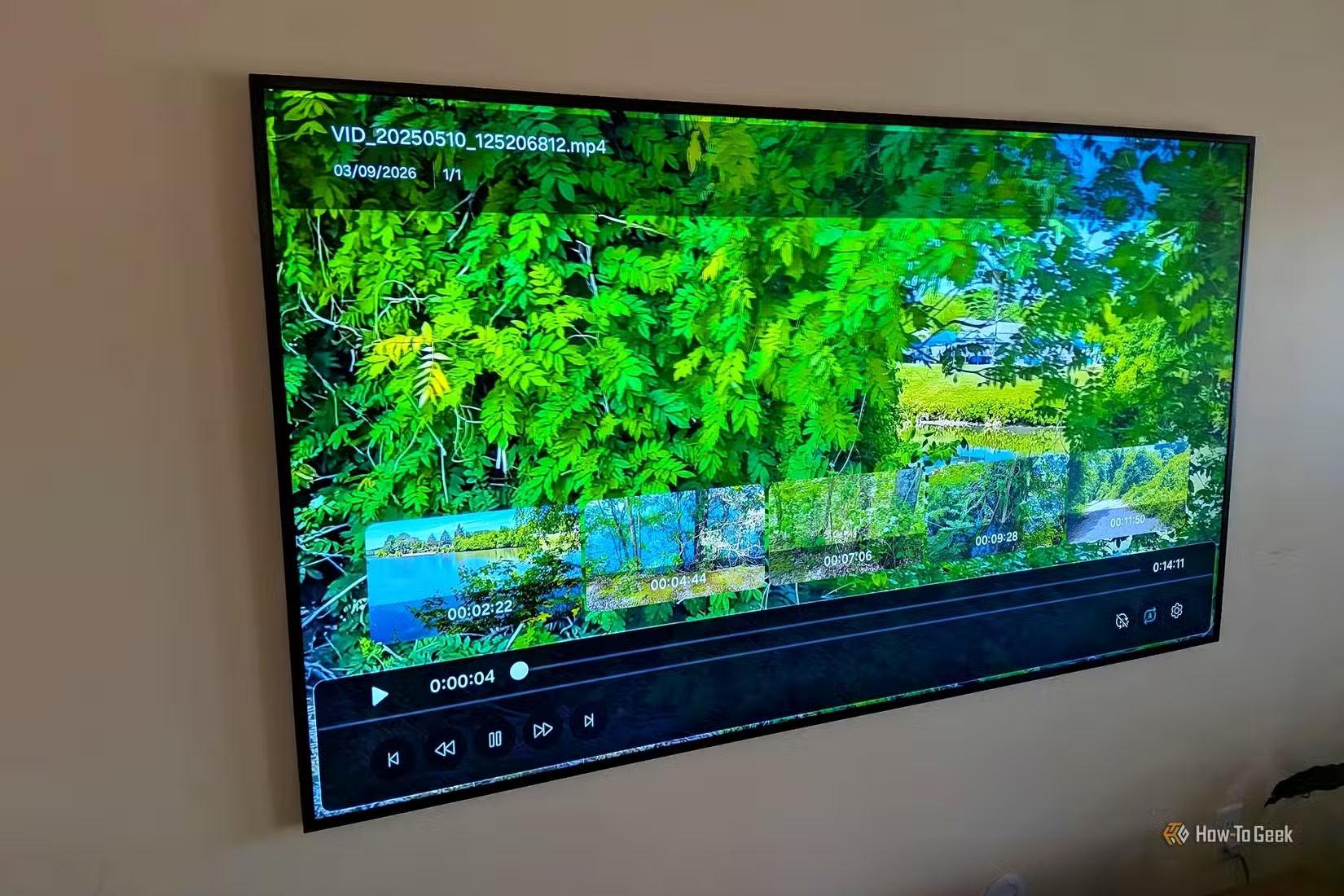
This is where the new Infrared Home Assistant integration comes in. Per the documentation, this native entity acts as “an abstraction layer between IR emitter hardware (such as ESPHome) and device-specific integrations.” The first integration to make use of this is LG Infrared, which allows you to control LG TVs.
The Home Assistant community is vast and dedicated, so we probably won’t be waiting long until we see many more integrations that make use of this new native feature for all manner of brands and devices.
Add IR to your Home Assistant server with ESP32 proxies
You can add IR to your Home Assistant setup using an infrared proxy. These are small ESP32-powered boards like the Seeed Studio XIAO Smart IR Mate (which requires no soldering or assembly). It uses the ESPHome firmware platform to communicate with Home Assistant over Wi-Fi.
At just shy of $10 each, this is an incredibly cheap way to turn a dumb device like an air conditioning unit or stereo amplifier into a smart one that can be controlled and automated using Home Assistant. You can also build your own ESP32-based proxy devices if you’d rather turn this into a project.
You can use the ESPHome Ready-Made Projects hub to flash the appropriate firmware onto your ESP32 with a compatible web browser. Your proxy will show up in Home Assistant once connected to the same wireless network as your server from the Settings > Devices and services screen.
Since each proxy acts as an individual accessory, you can add as many of them as you need in order to control various devices. You can then issue commands via specific proxies, so you can do things like write a script that turns on the air conditioning unit or fans all over your house by issuing commands via multiple proxies at once.
There are some limitations to be aware of, which technologies like Wi-Fi, Zigbee, Thread, and Z-Wave don’t have. Infrared devices use one-way communication, which means that a signal is sent from the controlling device (like a remote) and interpreted by the receiver (like a TV).
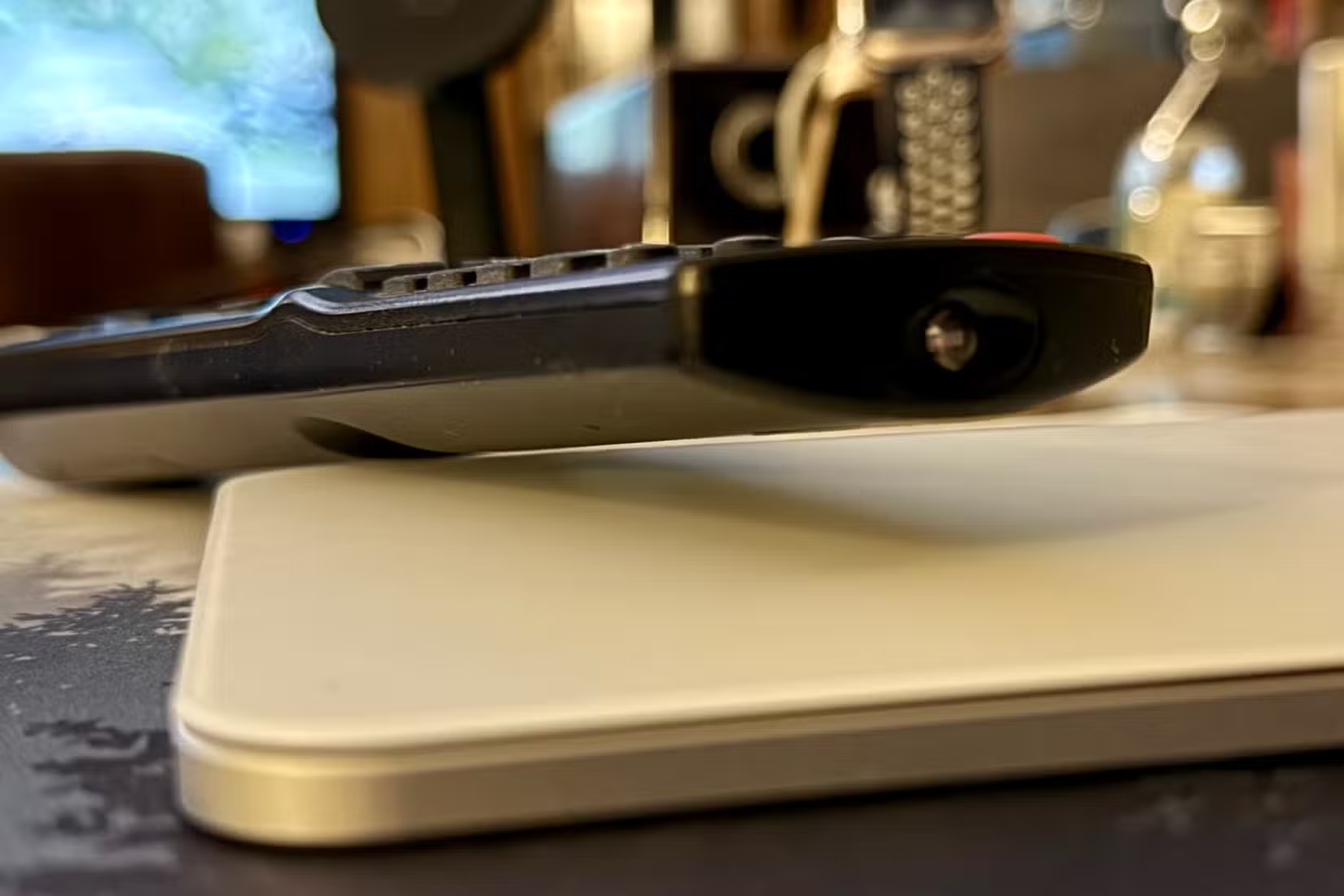
The remote (or in this instance, the proxy connected to your server) doesn’t receive any kind of notice that the action was completed successfully. Normally, if you’re sitting in front of a TV and the channel doesn’t change, you just hit the button again. In a smart home setting, this can be an issue since Home Assistant will have no idea whether or not the action was completed.
To circumvent this problem, make sure that you’re totally satisfied with the location of your infrared-emitting devices. For example, if you only have an air conditioning unit that you want to control, you could position the proxy right in front of the IR receiver for maximum reliability.
Other highlights from the April release
You can get access to the new features by installing the new Home Assistant 2026.4 release using Settings > System > Updates. Not everyone is keen on installing the “.0” update right away, so you might want to wait for the “.1” revision.
In addition to infrared support, the April update expands on purpose-specific automations with triggers that work across multiple entity types, including doors opening, motion and occupancy, temperature and humidity changes, light levels, power and battery states, plus air quality and other climate markers.
You can also change the background color of certain dashboard elements and better manage Matter-enabled locks. On top of this, there’s the usual handful of new integrations and improvements. Check out the full release notes for the nitty-gritty.
Even if you’re a long-term Home Assistant user, there are always new features and tricks just waiting to be discovered. Last month, I finally added my computer to Home Assistant and got access to a whole load of new triggers.
Source: Read Full Article