










Believe me, I know the pain of troubleshooting 3D prints to the point where I just feel like throwing my printer in the garbage and buying a new one.
Tracing print issues back to specific printer problems can be a nightmare, but there are a few likely issues you should check before turning your printer into scrap.
Incorrect slicer settings
A big problem no matter how you slice it
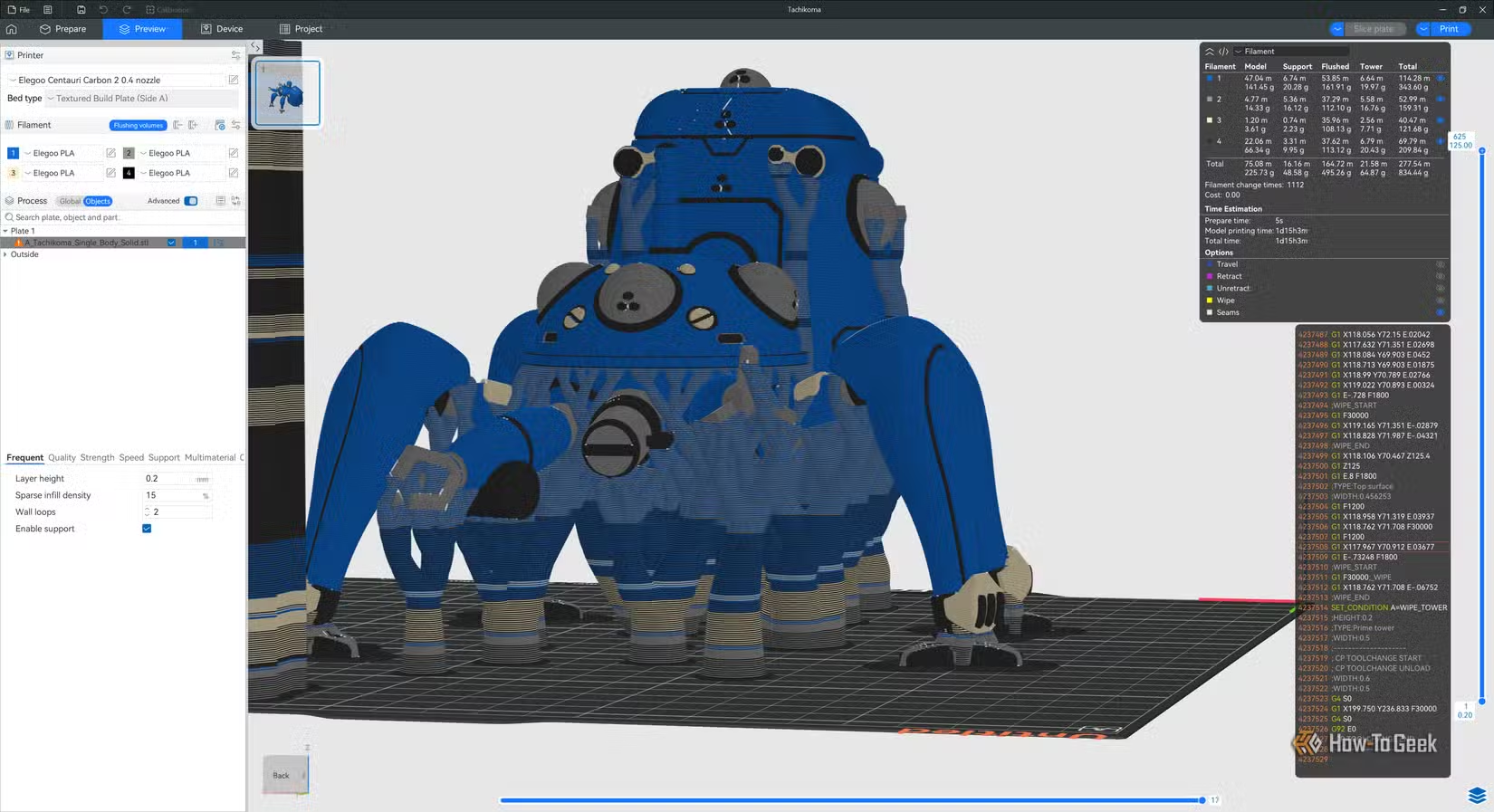
A 3D printer just does whatever the instructions in the G-code you send it says to do. It’s not going to question the sanity of it or anything. Maybe some future AI-powered printer will ask you “are you sure?” before going ahead, but right now the principle of “garbage in, garbage out” very much applies.
If you’ve been messing with your slicer settings, try printing a model with the default profile to see if that sorts out the issue. If it’s the default slicer settings that are giving you problems, double check that these settings make sense for the filament you’re using and the type of model you’re printing.
The exact issue depends on what you’re seeing in the print, but the print speed might be too high for that filament, the temperature range may be wrong, and if the retraction settings aren’t right, you’ll see issues like blobs or stringing.

9/10
- Build Volume
-
10.4in x 10.4in x 10.4in
- Printing Speed
-
500mm/s
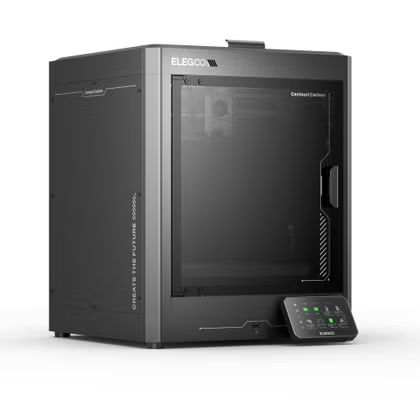
The Centauri Carbon is Elegoo’s first core XY printer, going up against printers like the Creality K1C, Bambu Lab P1S, and Bambu Lab X1 but at half the price in many cases. This would seem like a joke if the printer itself wasn’t so competent and well put together.
Moisture-contaminated filament
Dry first, print second
Have you noticed that your filament comes vacuum-sealed with a little desiccant sachet inside? This is to prevent moisture absorption while the filament sits on the shelf. However, as soon as that seal is cracked, the filament starts to absorb moisture.
Now, I don’t want to pretend that this is a fast process. It depends on the filament and local humidity, but generally it could take a few weeks before the filament becomes wet enough to affect prints. However, I’ve also read about some filaments picking up issues within hours of being opened.
If you notice brittleness or stringing, you may need to put that filament in a dryer. An easy way to eliminate wet filament as the culprit is to print something with a freshly-opened filament of the same type and check if the problems go away.
If your filament is in fact wet, you can use a dedicated filament dryer box. I like the ones that also work as a spool holder, so you can print from them directly and keep the filament dry continuously.
Low-quality or inconsistent filament
You get what you pay for
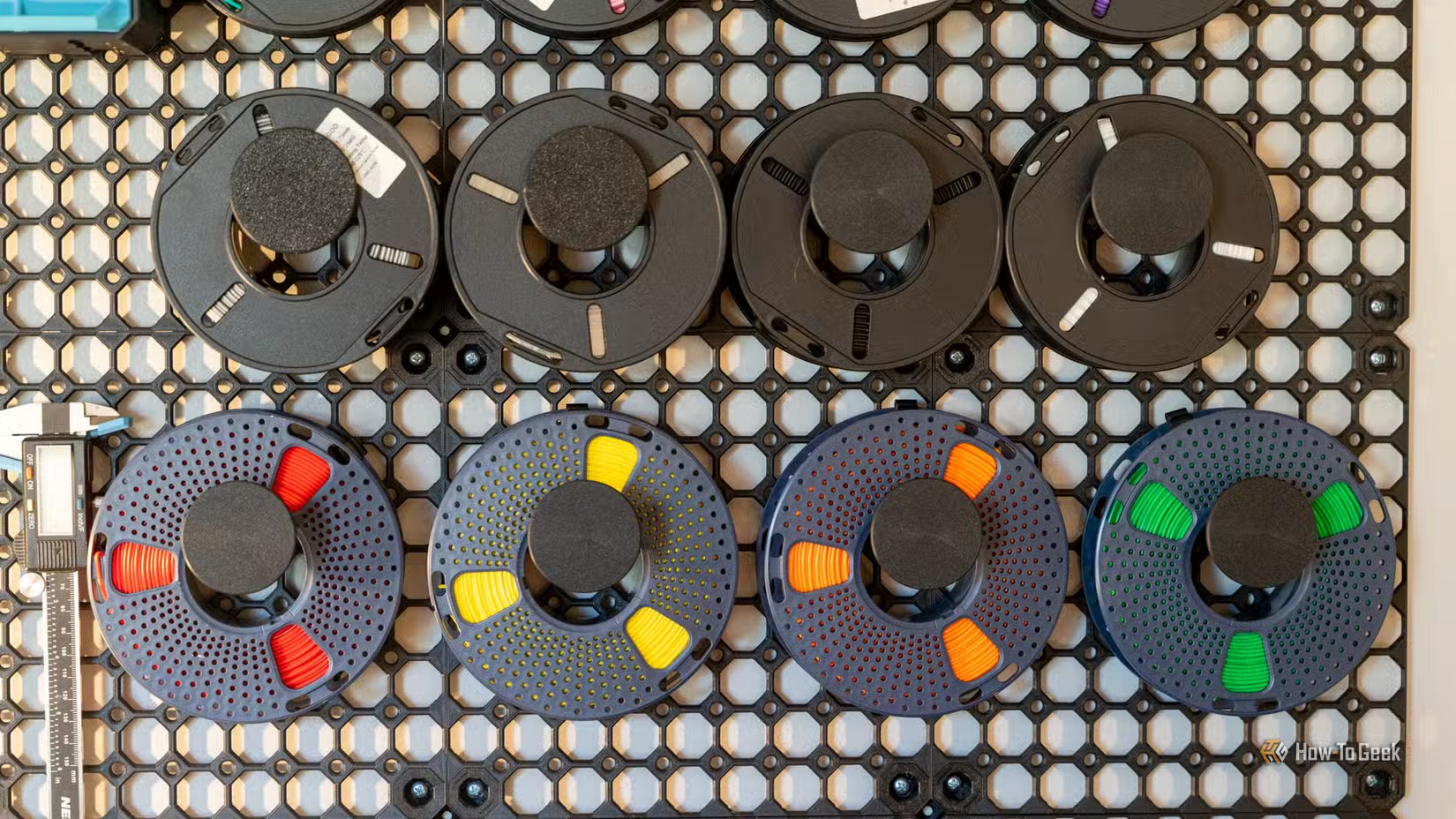
This is possibly the biggest reason for poor prints. There are a lot of cheap filaments out there, and so much of it is inconsistent in diameter or consistency, leading to all sorts of issues.
I always try to get the cheapest filament possible, but once I find a brand and type of filament I can trust, I tend to stick with it even if it’s a little more expensive. Since I sell 3D prints, the extra maintenance and lost prints far outweigh just paying an extra $5 for a filament that won’t fail me.
Poor first-layer calibration (Z-offset issues)
Mind the gap
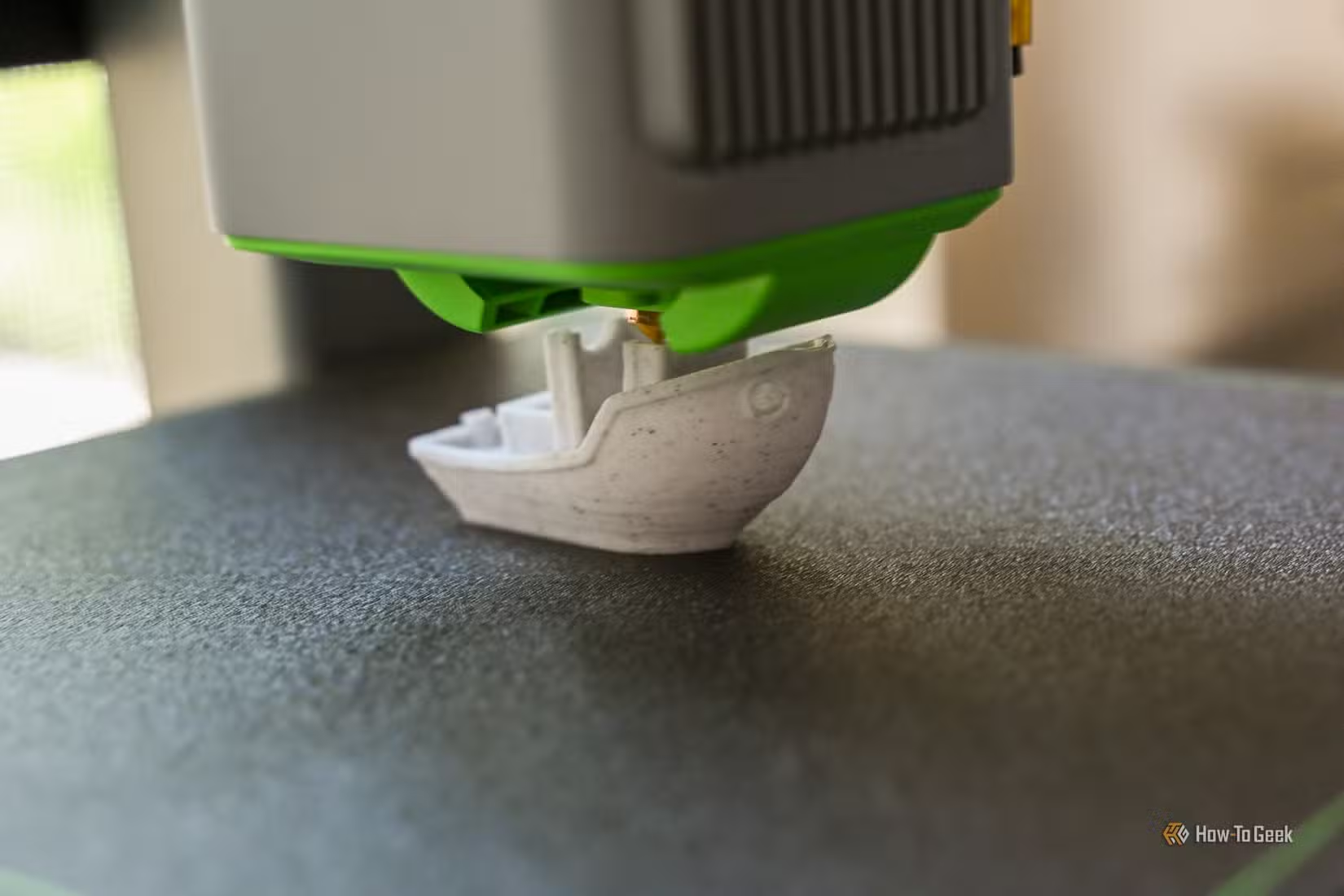
The Z-offset is the exact distance between the nozzle tip of your printer and the print bed. If you’ve been 3D printing for a while, you’ll remember setting this manually with a sheet of paper and lots of swearing.
These days, printers are pretty good at automatic calibration, but you need to run that calibration periodically to keep it accurate. If you need to do a manual calibration, refer to your printer’s documentation.
If your Z-offset is too small, then the printer can squash the filament, but if it’s too large, then your layers won’t bond. Problems in your first layer can have a knock-on effect on the rest of the print, so this is a good fundamental issue to check.
Ambient and enclosure temperature fluctuations and drafts
Stability is everything
Every year as we go from Winter to Summer, I have to take the top off my 3D printers and leave the doors open. The ambient temperatures get so high that the printer can’t keep the chamber temperature low enough, and all my prints are ruined.
The opposite can also happen. If you have an open-bed printer and leave a drafty window open, it can cause issues with adhesion or prints curling up on the bed. In other words, try to eliminate big temperature changes that aren’t under your printer’s control.
Keep it simple
Print issues can feel impossible to figure out, but most of the time if you go back to the fundamentals and ensure they’re all properly set up, most of them will just go away as if by magic.
Source: Read Full Article