








Nobody likes thinking about leaving loved ones behind, but it’s pretty normal to make a will even if you’re relatively young. If you’re enough of a smart home enthusiast that you’re using Home Assistant to control a wide array of devices, you might want to consider how this pans out if you’re no longer around.
Your smart home might outlive you
None of us here at How-To Geek is rooting for your early demise. Should the worst happen, you would be sorely missed, and smart home automations would be the last thing on anyone’s mind. But there are some oddly practical hurdles that appear immediately following a bereavement.
If the smart home you live in is controlled by Home Assistant, and you’ve gone hard on smart switches, plugs, sensors, and automations, your sudden absence is going to pose an issue for whoever shares the dwelling with you. I’m going to hazard a guess that your partner, offspring, parents, and other family members aren’t as deeply invested in the smart home thing as you are.
I’ve seen multiple posts about this issue on the internet following a sudden death. Not only are these people grieving the loss of a loved one, but they’re suddenly tasked with understanding what can be a complex smart home platform and the barely-legible array of automations that power it.
The good news is that your smart home isn’t going to fail overnight, and it could in fact keep ticking over for months or years without any input from anyone else. But as anyone with a Home Assistant server knows all too well, problems emerge from time to time out of nowhere. Automations fail, servers need restarting, and mesh networks go offline.
Before long, software updates start to pile up. Remote access that depends on a Home Assistant Cloud subscription, which also safeguards against data loss thanks to Nabu Casa’s backup service, expires when the card payment can’t be taken. The simple act of replacing a smart bulb that’s burned out becomes an ordeal.
There’s no time like the present to prepare for the future
I don’t want to sound like I’m selling life insurance, but there are some things that are better done right now, before it’s too late. If you use an iPhone, you might want to add legacy contacts to your Apple ID. For Google, you can have your email self-destruct or share it. Steam and other services won’t transfer your game library when you die, but you can share your credentials securely to try and circumvent the problem.
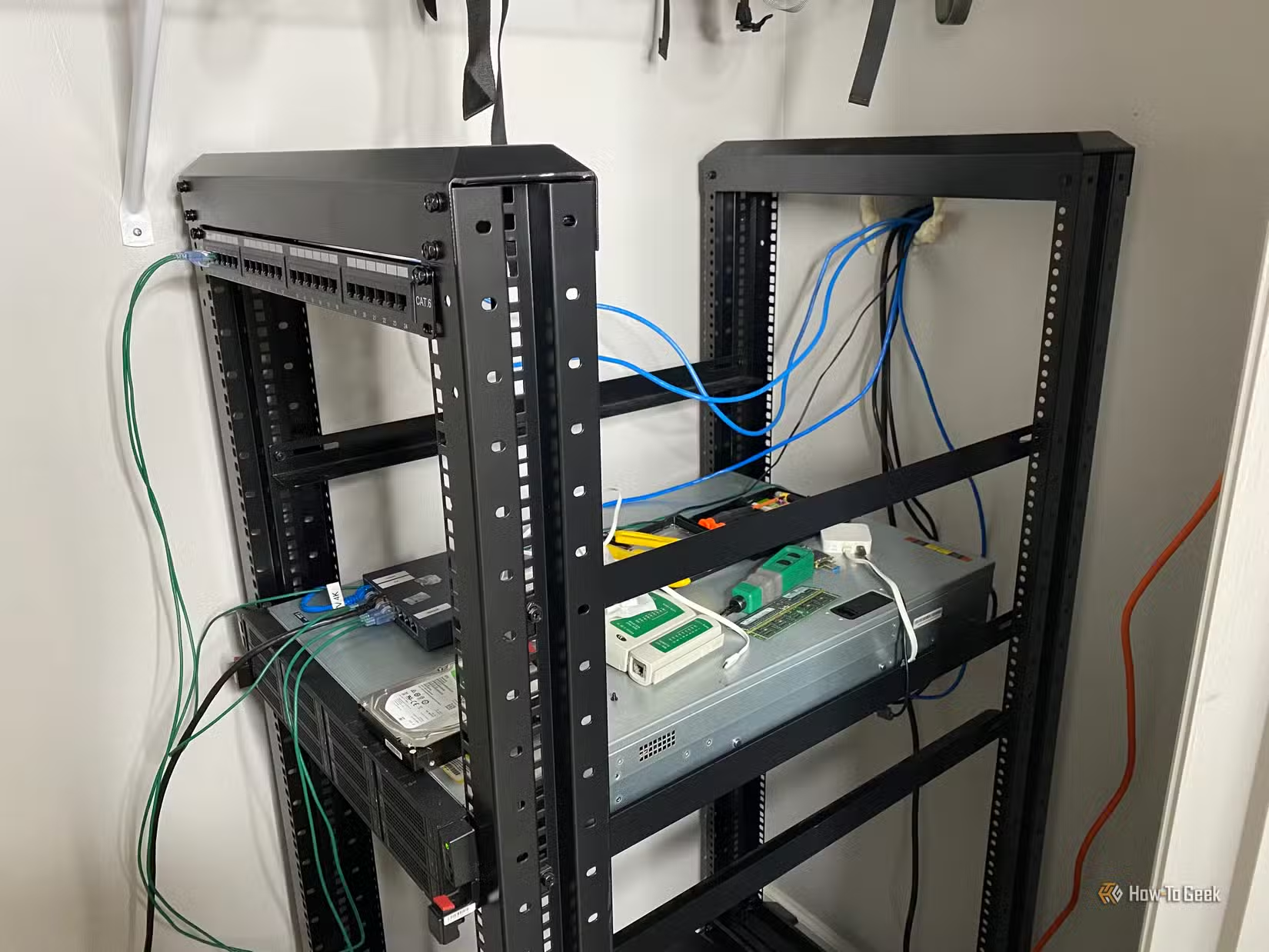
But your Home Assistant smart home is altogether more physical. The switches in your walls might not work without a functioning Home Assistant server, and your security camera footage might be inaccessible to anyone who isn’t you. Your loved ones might not even know which box of blinking lights your Home Assistant server is actually running on.
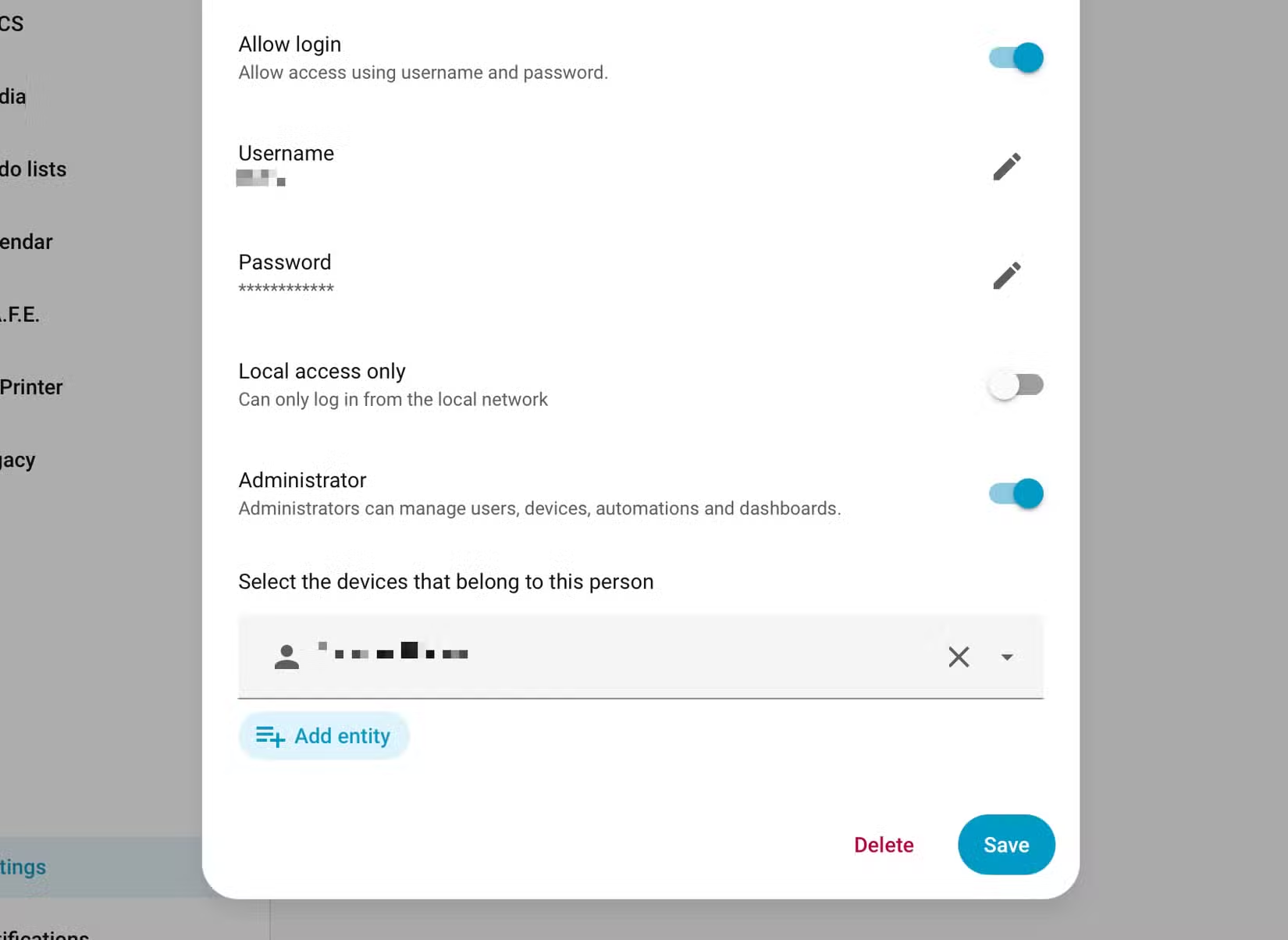
The best thing you can do is make sure that your smart home is accessible in the unlikely event that you’re no longer around. In Home Assistant, you can start by going to Settings > People and adding another admin account. Make a note of these credentials, share them with a trusted party, and tell them exactly how to access the server. Now label the physical server, even if Home Assistant is virtualized or runs in a container.
Setting your server to start whenever the hardware boots is something you should have already done. This also makes it easy to reboot the system by pulling the plug and switching it back on again. If you’re running a virtualized instance, this isn’t always the case.
From here, briefly document your server and how it works in a way that your loved ones will understand. Though much of Home Assistant is self-explanatory, you might want to draw attention to your automations, whether you have Home Assistant Cloud, and pass on a little troubleshooting advice. Talk about how to add a smart bulb or a smart plug, and what the Zigbee or Z-Wave dongle hanging out the back of the server does.
Some of this information might even be useful to you in the future.
In some ways, death is like moving house
The other (admittedly odd) parallel to draw here, which I’ve also seen a fair few stories about, is people who sell homes that are tailored to a smart home system like Home Assistant. They’ve added light switches, long runs of Ethernet cable attached to PoE injectors, and created groups to control multiple devices as one.
For the seller, it’s not worth replacing everything when the home is so heavily dependent on Home Assistant to function. The advice is usually to write an outgoing guide to the new owners, explaining how the home works, what it runs on, and making the transition in the way that causes the least friction.
It makes sense to pass the smart home torch to a loved one in a similar manner. They might not choose to continue with Home Assistant, but at least they will have a loose understanding of how things work and be able to access the server if they need it.
With that out of the way, why not focus on a future you’ll be here to see by upgrading your Home Assistant server to be more reliable?
Source: Read Full Article