








People love to share their Home Assistant dashboards on chat groups and forums. A lot of these dashboards look really impressive, but so many I see seem to be making the exact same mistake.
Please stop using cheap Android photo frames as Home Assistant dashboards
You could be compromising your entire network.
Your Home Assistant dashboard isn’t just for you
The real test is whether someone else can use it
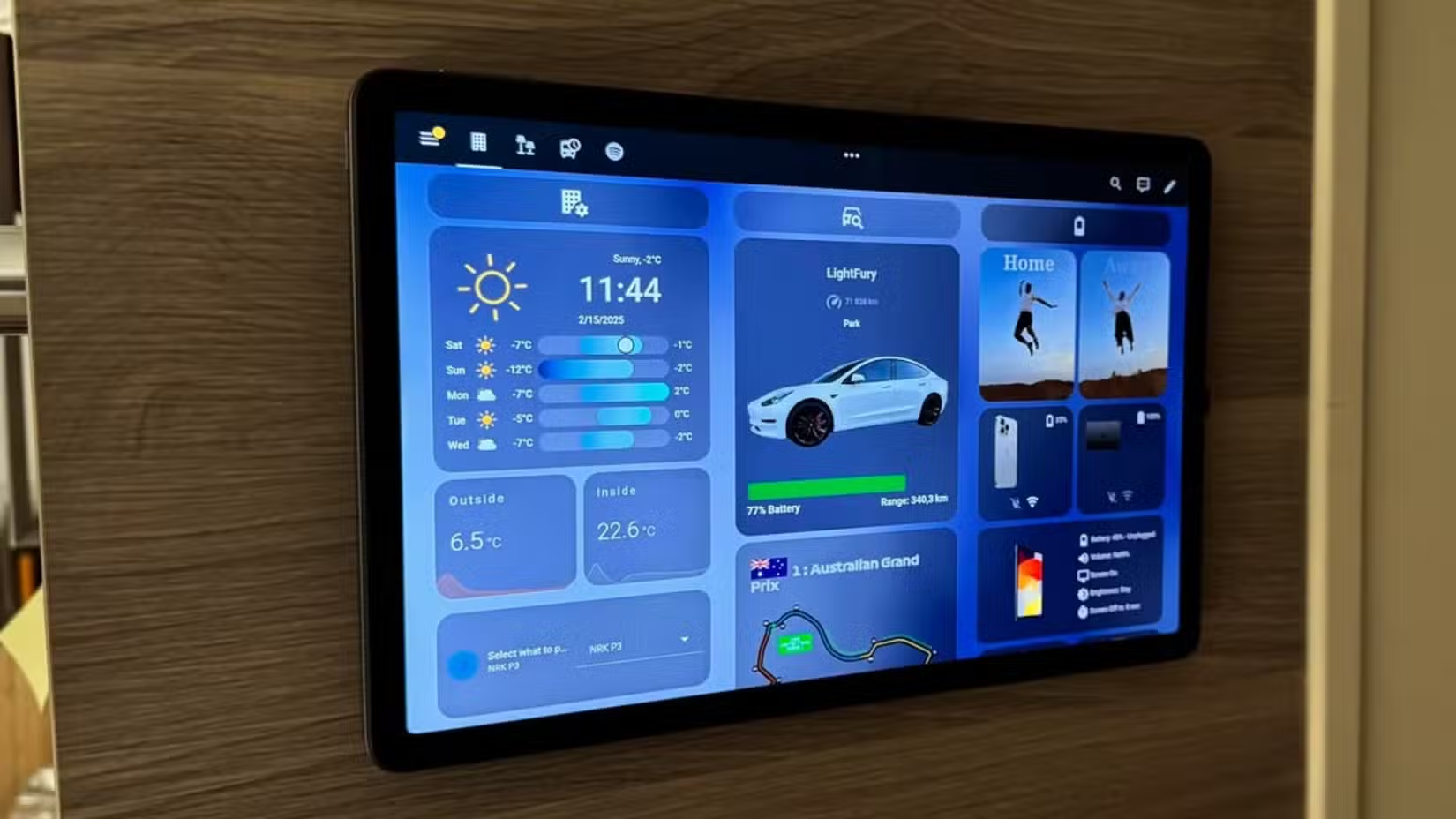
So many dashboards that I see posted online are filled with a huge amount of information. There are graphs and charts, camera feeds, music controls, and buttons for every device under the sun.
The trouble is, there’s so much going on that it’s hard to see the forest for the trees. The more information that’s visible on the dashboard, the harder it is to find the information or control that you want.
Since you built the dashboard, you have a good idea of where everything is, but often you’re not the only person who will use it. When your dashboard is crammed with insane amounts of controls and information, it’s hard for other people in your home to do simple things like turn on the lights.
This is a mistake that beginners often make. It’s very tempting to add every possible device and card to your dashboard, just because you can. You can lose track of the fact that a dashboard is meant to be a useful way to control your smart home, rather than a collection of every bit of information you can cram in.
- Dimensions (exterior)
-
4.41″L x 4.41″W x 1.26″H
- Weight
-
12 Ounces
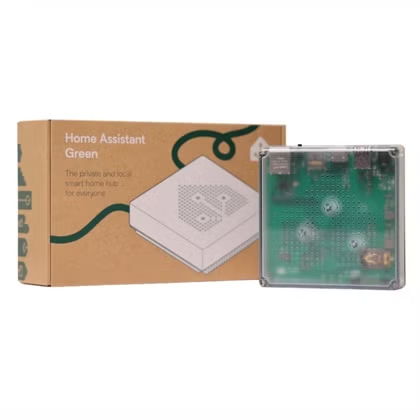
Home Assistant Green is a pre-built hub directly from the Home Assistant team. It’s a plug-and-play solution that comes with everything you need to set up Home Assistant in your home without needing to install the software yourself.
What actually belongs on a shared dashboard
Controls people need and little else
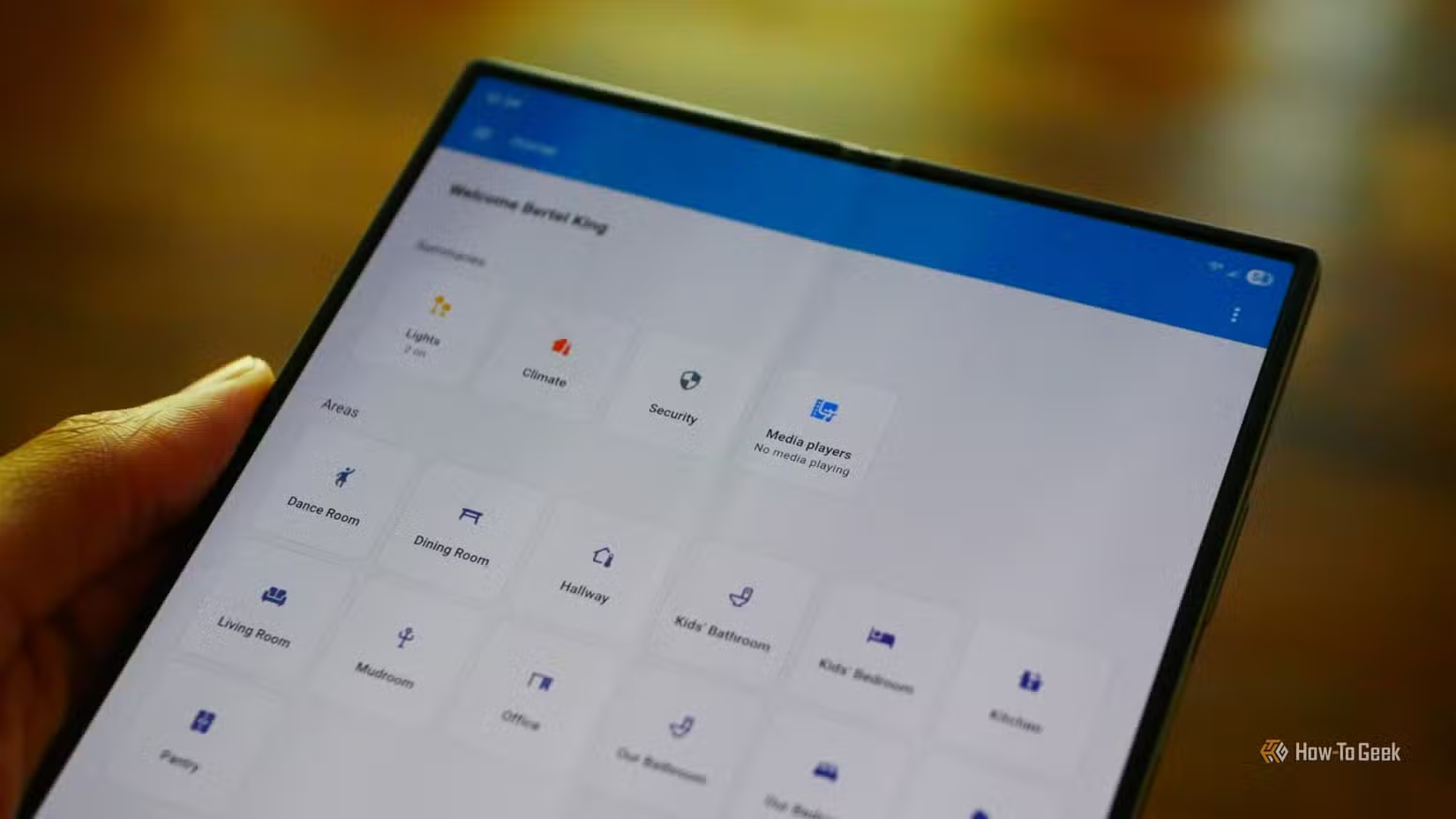
If you’re designing a dashboard for your household and not just yourself, then it’s definitely a case of less is more. Adding too much makes the dashboard far too complicated and reduces its utility.
There are some entities that should probably have a place on your dashboard. Lighting controls, climate controls, security controls, and media controls are all useful things to have on a dashboard. These are the things that people in your home are likely to want to use.
There are plenty of things that really don’t need to be on a shared dashboard. Your family probably doesn’t care about device battery levels, HACS update counts, or how much RAM your home server is currently using. None of this is going to help them do what they need to do.
The other people in your home are far more likely to appreciate a clean, minimal layout. While you may love how your all-you-can-eat dashboard looks, they’re unlikely to be fans.
Where the technical stuff should live
There’s no harm in having multiple dashboards
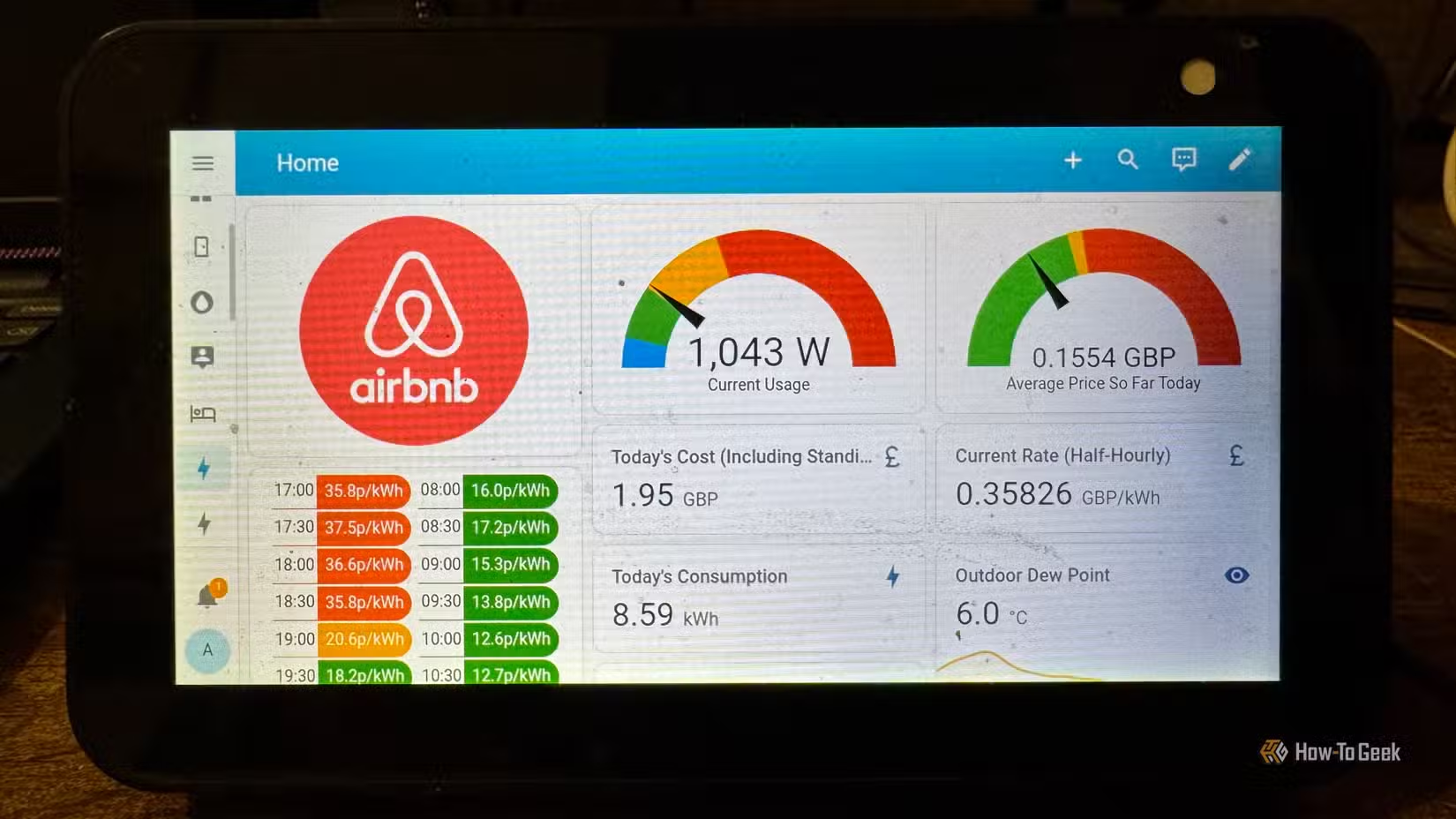
That’s not to say that you shouldn’t include battery levels or update counts on dashboards. This information can be really useful. It just doesn’t need to be on your main dashboard.
The beauty of Home Assistant is that you can build as many dashboards as you want or add multiple views to a single dashboard. You can hide all this information away from the main dashboard so that the rest of the people in your home can get to what they need without wading through the things that they don’t.
Even if you keep your main dashboard clean and simple, you don’t need to add everything to a second dashboard. It can be far more useful to have individual dashboards for different purposes. You might have one that displays battery levels, one for energy monitoring, one for system health, and so on. This can make it far easier to quickly find the information that you need.
The habit that keeps dashboards clean
Ask one question before you add anything else
Sometimes it’s hard not to add more and more stuff to your dashboard. You see yet another post on Reddit of someone’s dashboard, and you want to add in a few of the things that you spotted. Before you know it, your dashboard is getting seriously crowded.
There’s a simple habit that can help. Any time you want to add something else to your dashboard, ask yourself this question: Will anyone else in my home ever need to use this?
If the answer is yes, then it’s probably something worthy of a place on your main dashboard. However, if the answer is no, then you’d only be adding it to the dashboard for yourself. You might want to consider adding this to a different dashboard or view instead, where it won’t be taking up room unnecessarily.
Keep it simple
Dashboards can be fun to create, but ultimately, they’re meant to be useful. While you may love how your ultimate everything dashboard looks, the other people who have to use it may not appreciate it in the same way. Keep your main dashboard simple, and you can create your own secret dashboard that’s as over-the-top as you want.
Source: Read Full Article