









There are plenty of flashy and exciting projects you can do with your smart home that can have a real wow factor. Sometimes, however, it’s the boring but practical projects that end up being the most useful.

Building a smart home? Here’s one design principle you shouldn’t ignore
”Guest mode” is a sign that you’ve missed the brief.
Automating a repetitive task
Putting a contact sensor and a smart bulb to good use

We have a pantry cupboard next to the kitchen where we keep most of our dried food. There are no windows in the pantry, so it’s pitch black without the light turned on. We get things out of the pantry or put things away in it several times throughout the day, which means switching the light on and off multiple times a day, too.
I realized that Home Assistant could take this repetitive chore off our hands. Instead of having to turn the light on each time we opened the pantry and turn it off each time we closed it again, Home Assistant could take care of this for us.
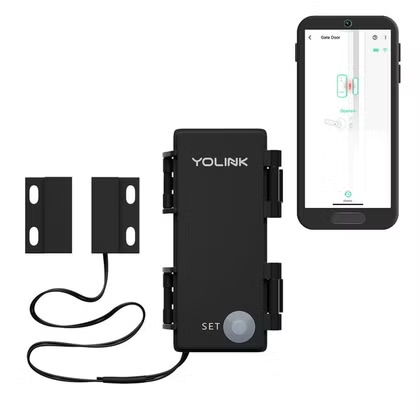
I decided the best option was to use a contact sensor and a smart bulb. When the Zigbee contact sensor detects that the door is opened, the smart bulb turns on. When the contact sensor closes, the smart bulb turns off.
It works almost instantly and happens so naturally that you almost start to doubt whether the light is actually turning off when you shut the door. I confirmed that it most definitely was. Now the light is on exactly when we need it, and off when we don’t, which is what good automation should do.
- Temperature Range
-
-4°F – 122°F
- Connectivity
-
Alexa voice assistant and IFTTT
This outdoor sensor will alert you when whatever you’ve attached it to is opened or closed, making it easy to tell if a window was opened, or the mail came in.
No timing issues to worry about
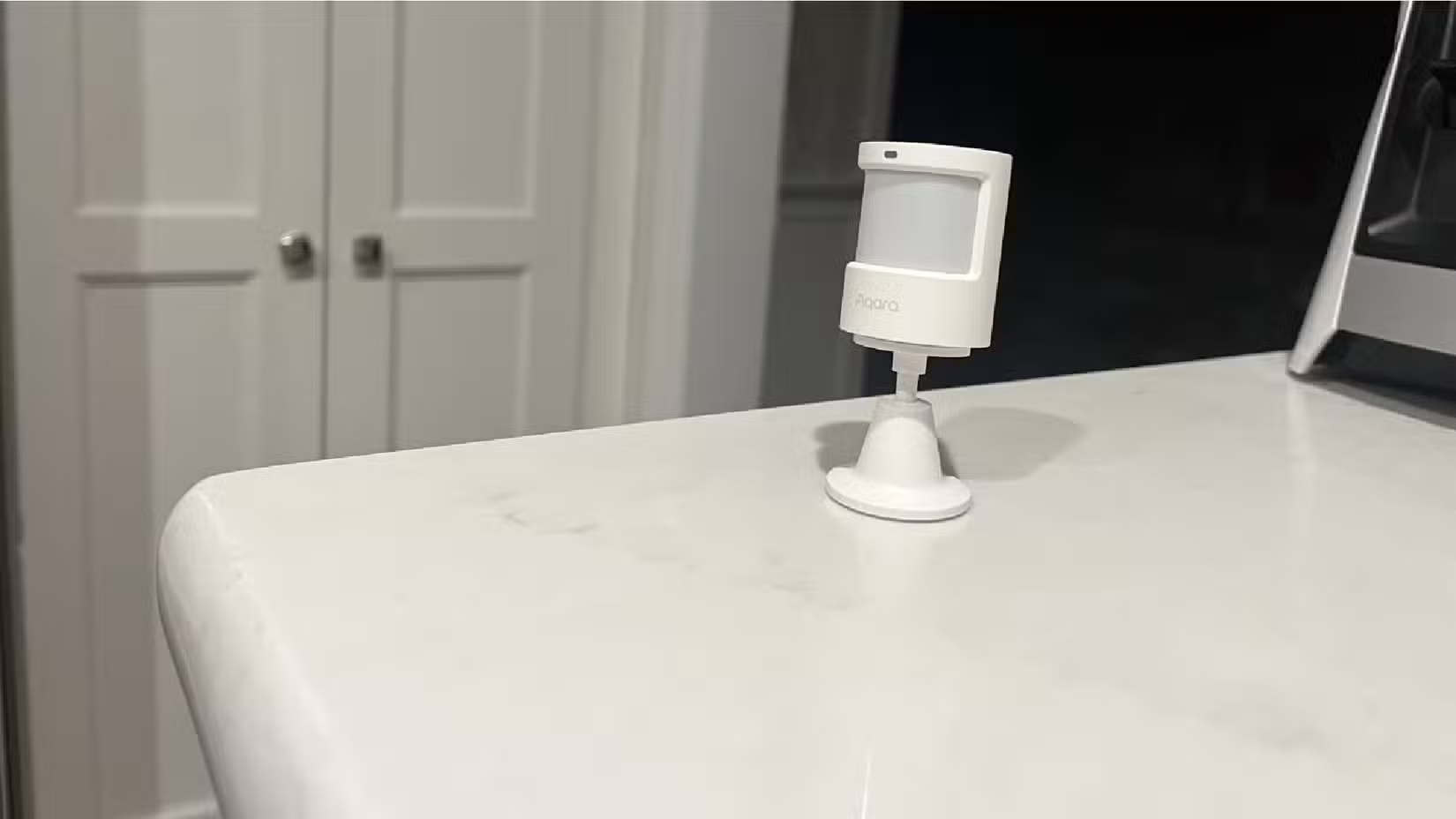
Using a contact sensor wasn’t the only way to get the light to turn on automatically when we open the door. My initial thought was to use a motion sensor inside the cupboard.
There were a few reasons why I decided against this. The first was that the pantry gets pretty full, and I was worried that wherever I placed the motion sensor, it would end up getting blocked by a large packet of pasta or a can of beans.
Another concern was that since the automation would turn the light off once motion had stopped being detected, the light might turn off while one of us was standing still. If we stopped to read the back of a packet of food while checking for the expiration date, we might end up plunged into darkness. I could add a cooldown period to the automation, but then this would mean that the light would stay on for a while even when the door was shut.
A contact sensor has none of these problems. It detects two things: when the door is open and when it’s shut. We would always want the light on when the door was open, since we keep the door shut whenever we’re not using the pantry. We’d also always want the light off when the door was shut, as the pantry is too small to fit in and shut the door behind you.
Using a contact sensor was the perfect fit. The light only comes on when we open the door and turns off instantly when we shut it again.
It replaces something we did multiple times a day
This is what good automation should be
This automation is exactly my idea of how a smart home should work. Many people are obsessed with building complicated dashboards that they can use to control the devices in their homes, but my aim has always been for automation over control. My ultimate goal is to have almost everything happen in my smart home automatically, without me having to do anything manually.
That’s exactly what this automation does. I don’t need to open an app or flip a switch to make the pantry light come on. I don’t even have to think about turning it on. All I do is open the pantry door, an action that I would perform anyway if I want to use the pantry.
The automation ensures that the light is always in the state that I want. When I’m using the pantry, the light is always on, and when I’m not using the pantry, the light is always off. It’s an automation that is based on the outcome rather than any specific action, and it works flawlessly.
Simple and boring upgrades are sometimes the best
Don’t sleep on those dull projects
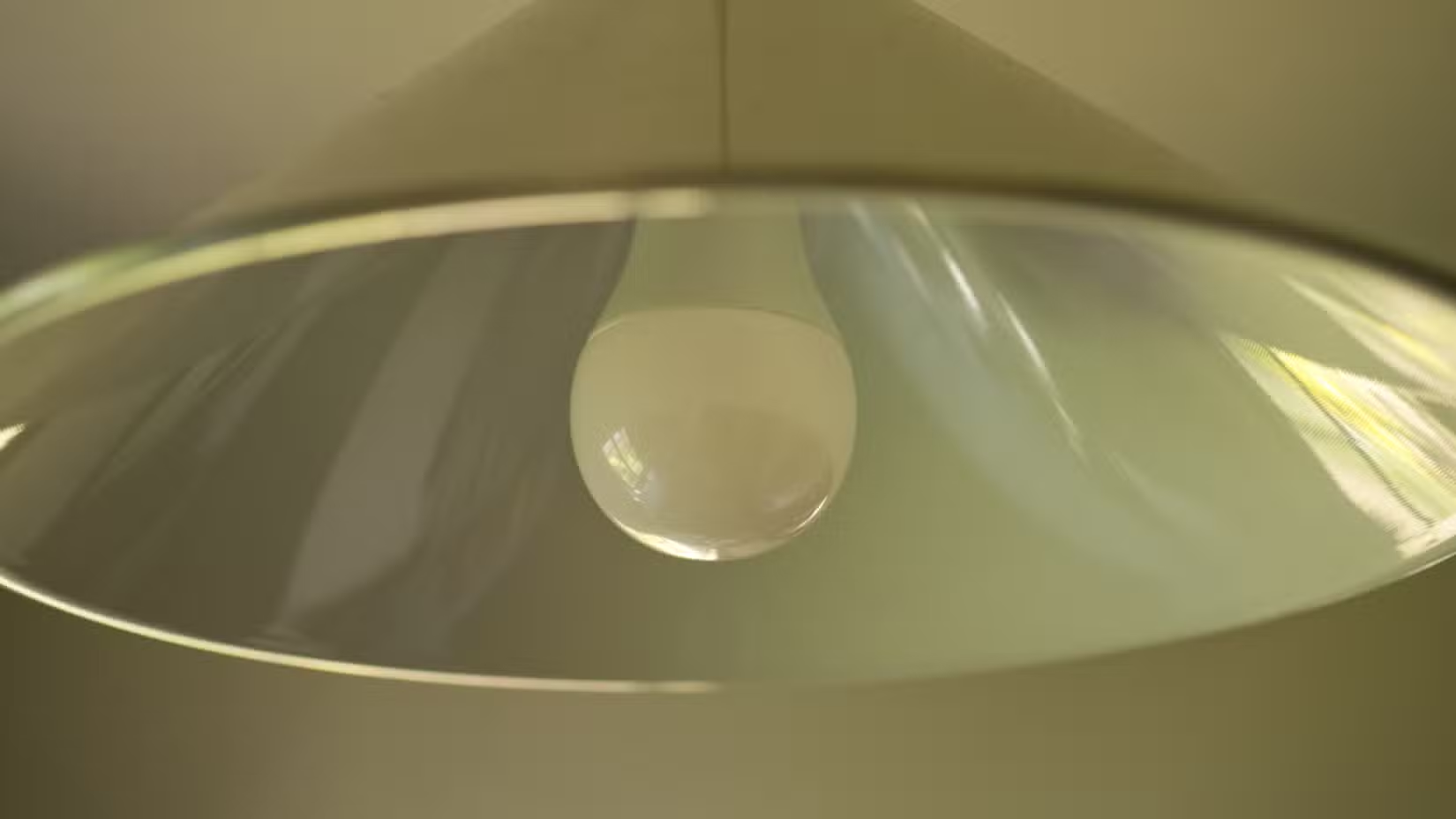
Turning on the light in a pantry is far from the most exciting thing you can do with Home Assistant. While it may be boring, it’s been incredibly useful; the automation has saved us from flipping a light switch that we would otherwise use hundreds of times a week. Now we don’t ever have to think about turning the light on; it’s always on when we need it to be.
With Home Assistant, it can be tempting to focus on the exciting or impressive projects and leave the boring ones alone. However, the dull but practical projects can often turn out to be the most satisfying.
Simple projects can have a big impact
I have a large backlog of Home Assistant projects I want to complete, and for a long time, I skipped setting up this simple lighting automation. I wish I’d done it sooner, as it’s one of the most useful automations in my smart home.
Source: Read Full Article