









I bet you never thought you’d still be buying spinning hard drives in the latter half of the ’20s, but mechanical drives are still at the core of our mass storage. These devices are in your NAS, they’re in your home media server, and they’re plugged into your USB ports to store media and backups.
SSDs are too expensive per GB, and far too performant to waste on home videos and PowerPoint presentations, but that doesn’t mean the specs of the drives you buy don’t matter. The thing is, while the common specs may make two hard drives seem similar, there are several more obscure specifications that tell a different story.
SMR vs CMR: The biggest hidden downgrade
The roof, the roof, the roof is on fire
I’m starting off with the most important one, because I value your time. Also, attention spans aren’t what they used to be, and I want to get this one out before your eye catches something on Instagram.
We are talking about the single most important spec in modern hard drives. Which is also the one manufacturers try their hardest not to talk about: SMR or CMR.
Traditionally, CMR or Conventional Magnetic Recording drives write each track on the platter independently. This gives you a simple, consistent write performance.
SMR or Shingled Magnetic Recording overlaps data tracks like roof shingles. This is a great way to store more data in the same space, but it has the nasty side effect of requiring that adjacent tracks be rewritten when you write data to the disk.
During sustained writing, these types of drives can slow to an absolute crawl. This makes them a good choice for large file storage where you won’t be writing to disk often (e.g. a Plex server or incremental backup), but a poor choice for a NAS, where writing happens constantly with multiple users waiting to be served.
Hard drive technology is going beyond this and it’s important to keep up. HAMR drives or Heat-Assisted Magnetic Recording drives use a laser in the drive head to heat the platter to 450C, making it possible to write data more densely. Then there’s ePMR, which uses electric current to reduce timing jitter, letting the drive write bits more accurately and closely together, without the need for shingling.
The bottom line is, you need to know how a drive writes its bits onto its platters to understand whether it’s right for your needs.
Areal density (and why newer isn’t always faster)
You are my density
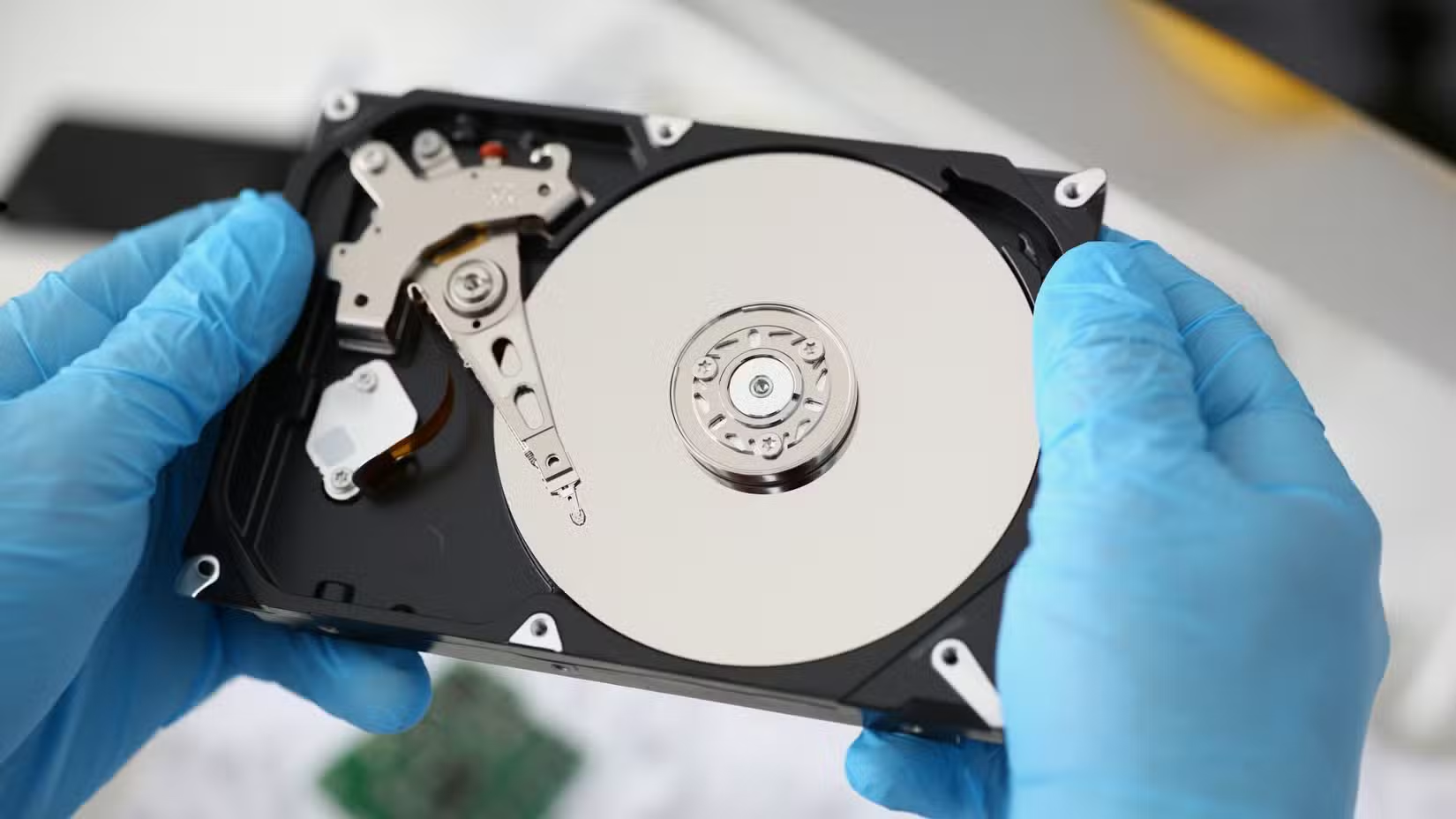
Areal density—how much data is packed into each square inch of a platter—is one of the biggest drivers of hard drive performance. With higher density, you get more data passing under the read head with each rotation. That gives you a higher sequential speed, all other things being equal, of course.
For example, a 4TB drive using two 2TB platters will usually outperform a 4TB drive using four 1TB platters. When it comes to sequential read speeds. The capacity might be the same, but each platter has very different densities.
Sustained vs burst performance
I’m more of a sprinter…
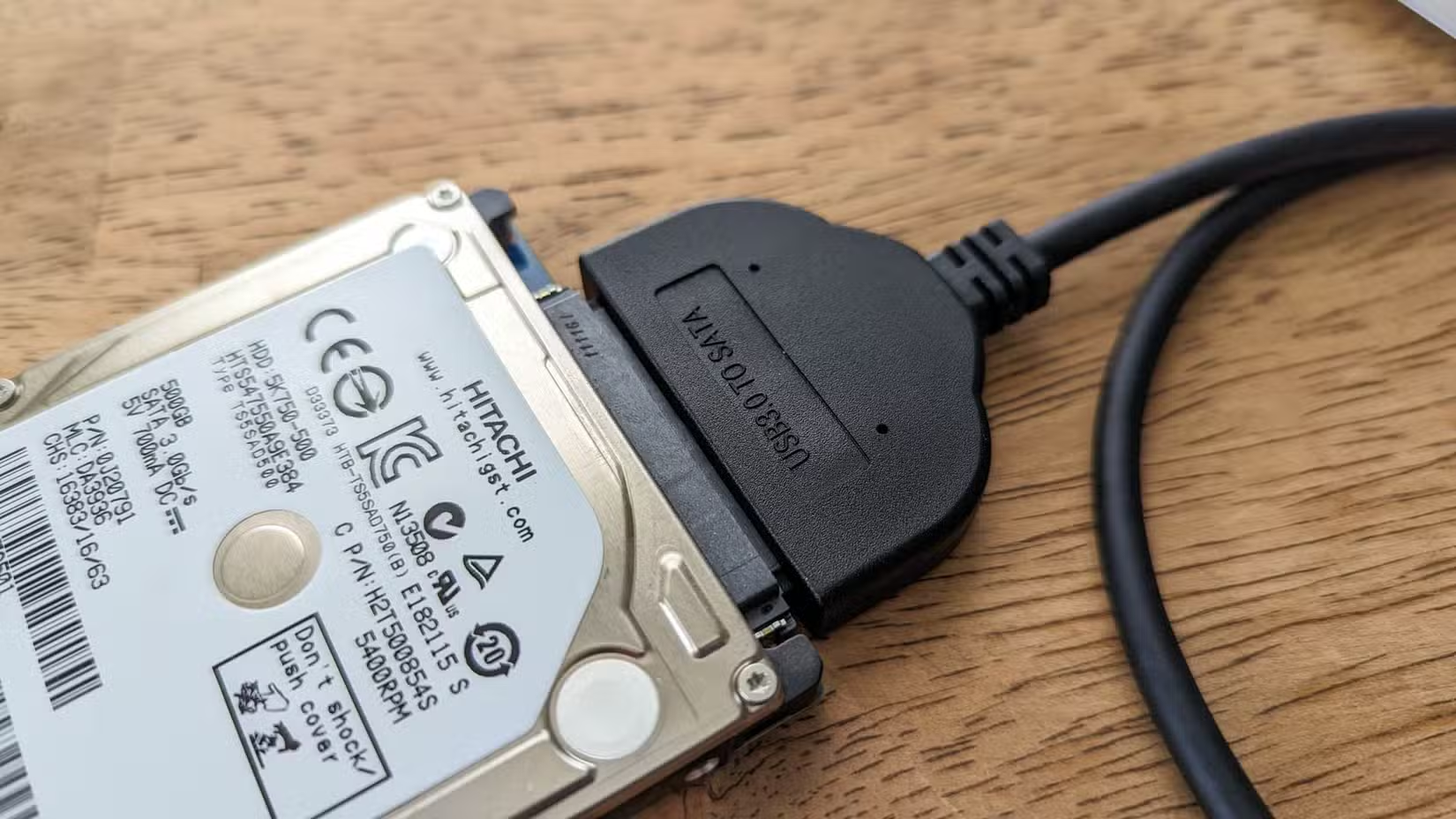
Just like SSDs, there can be a difference in performance with a hard drive if you’re accessing data in small bursts or moving large amounts of data over longer periods of time. Depending on how the drive’s cache is configured, this difference can be quite large.
Well, you can be assured that the speed number used to promote the drive will more likely be the burst speed.
Hard drive speeds vary for lots of reasons. Read speeds are faster towards the outside of the platter, and once a transfer is too big for the drive’s cache to play a role, you’ll start seeing the real raw transfer rate from the drive itself.
So, if you’re considering a drive, look for reviews that have tested sustained speeds and make sure the drive is fast enough for more than just a short burst of activity. Especially these days when a hard drive’s burst speed rarely matters, given that we don’t really run software on them anymore.
Workload rating and reliability specs
It all returns to nothing
All hard drives fail eventually, but you probably want to know how long a drive is expected to function. For most of the existence of consumer hard drives, the number you’d find on the spec sheet would be the MTBF or Mean Time Before Failure. Consumer drives are commonly rated for a million hours, and enterprise drives for 1.5–2x that figure. It’s not super-useful if I’m being honest. It doesn’t mean the drive is rated to last a century! No, it’s a statistical mean derived from the annual failure rate for that drive model across all the models sold.
Much more useful is the workload rate, which is usually expressed as how many terabytes of data the drive is designed to handle per year. This actually helps you know if a drive is suited or reliable for a job like a NAS drive, Plex drive, or USB cold storage.
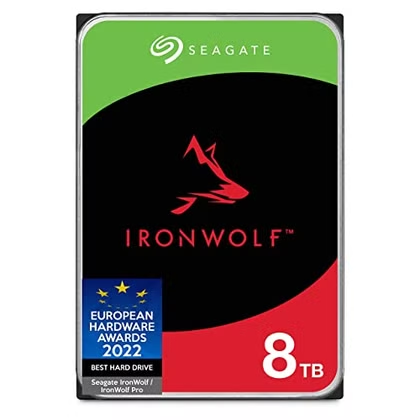
- Storage Capacity
-
8TB
- Cache
-
Up to 256MB
A great CMR hard drive for extra storage or backup.
Source: Read Full Article