






Some 3D printed objects need to be stronger than others. Weight-bearing items like hooks and brackets require a bit more thought before they’re sent to the printer, which is a simple case of arranging them differently on the build plate.
Your 3D prints are weakest at the layer lines
Filament deposition modeling (FDM) builds items layer by layer by depositing lines of filament on top of one another. Though the filament is molten at the point of extrusion, this method of fabrication has one clear point of weakness: the place where the layer lines meet.
There are many things that can affect item strength, like the overall design and type of filament used. How the weight is distributed over these layer lines is another significant factor. One thing you should think about is how the lines make contact with one another.
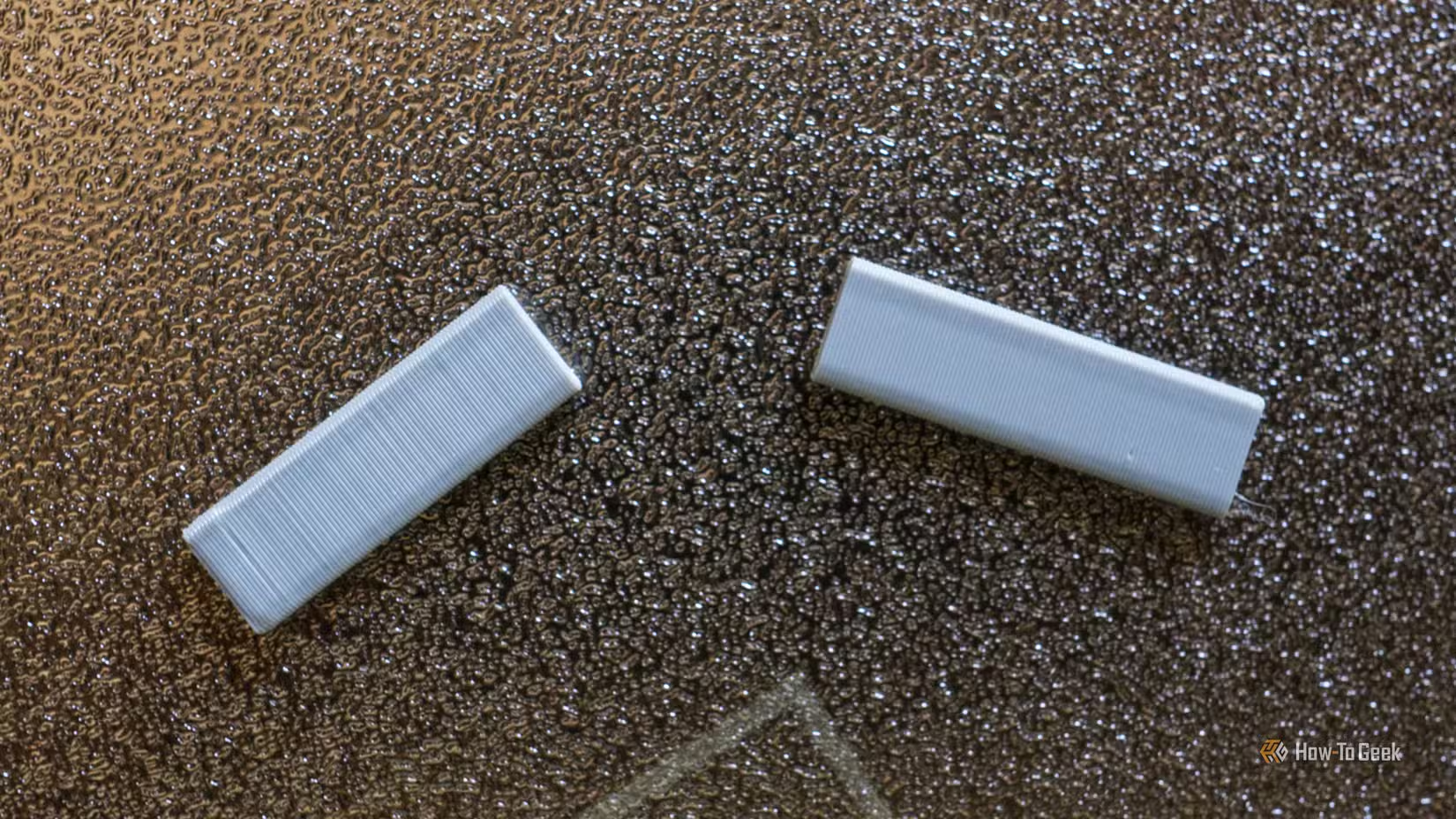
The greater the contact surface area, the stronger the bond. I printed a few simple rectangles with 100% infill density to demonstrate this. The first example was printed in an upright position:
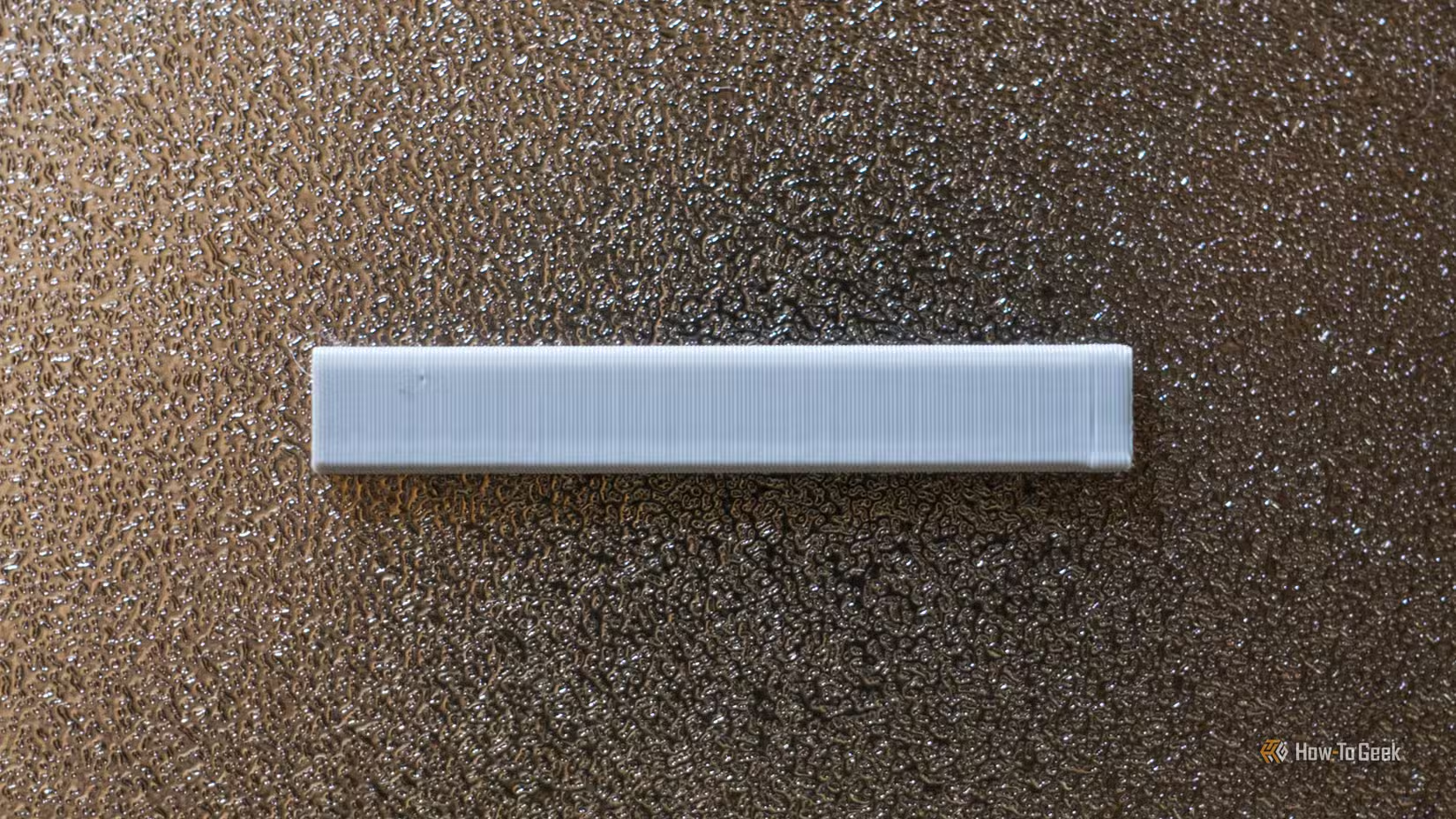
If we apply force to both ends of the object, it is easy to break it along the layer lines since the point of contact is so small:
Conversely, here’s an item I printed with one whole face lying down:
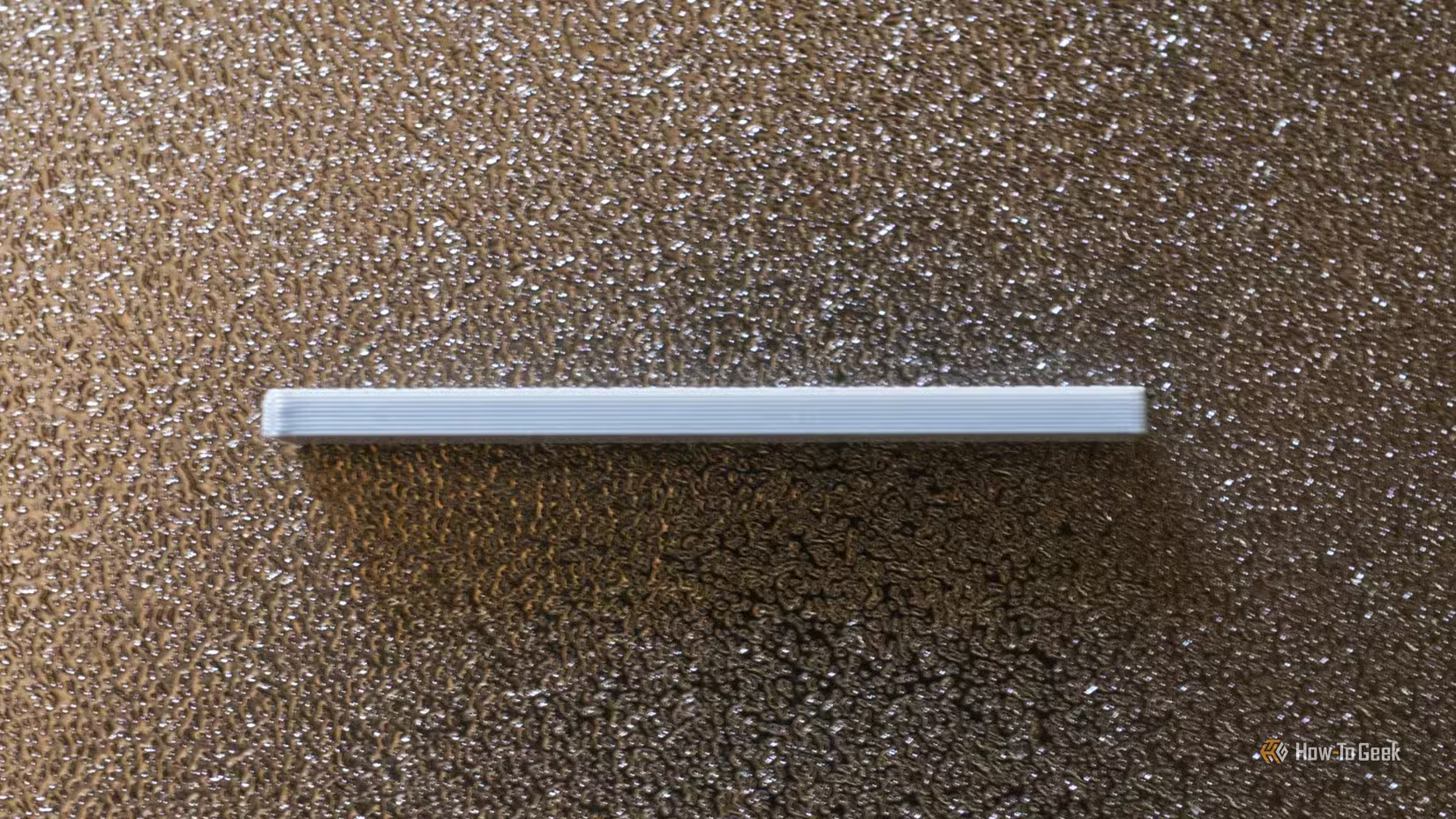
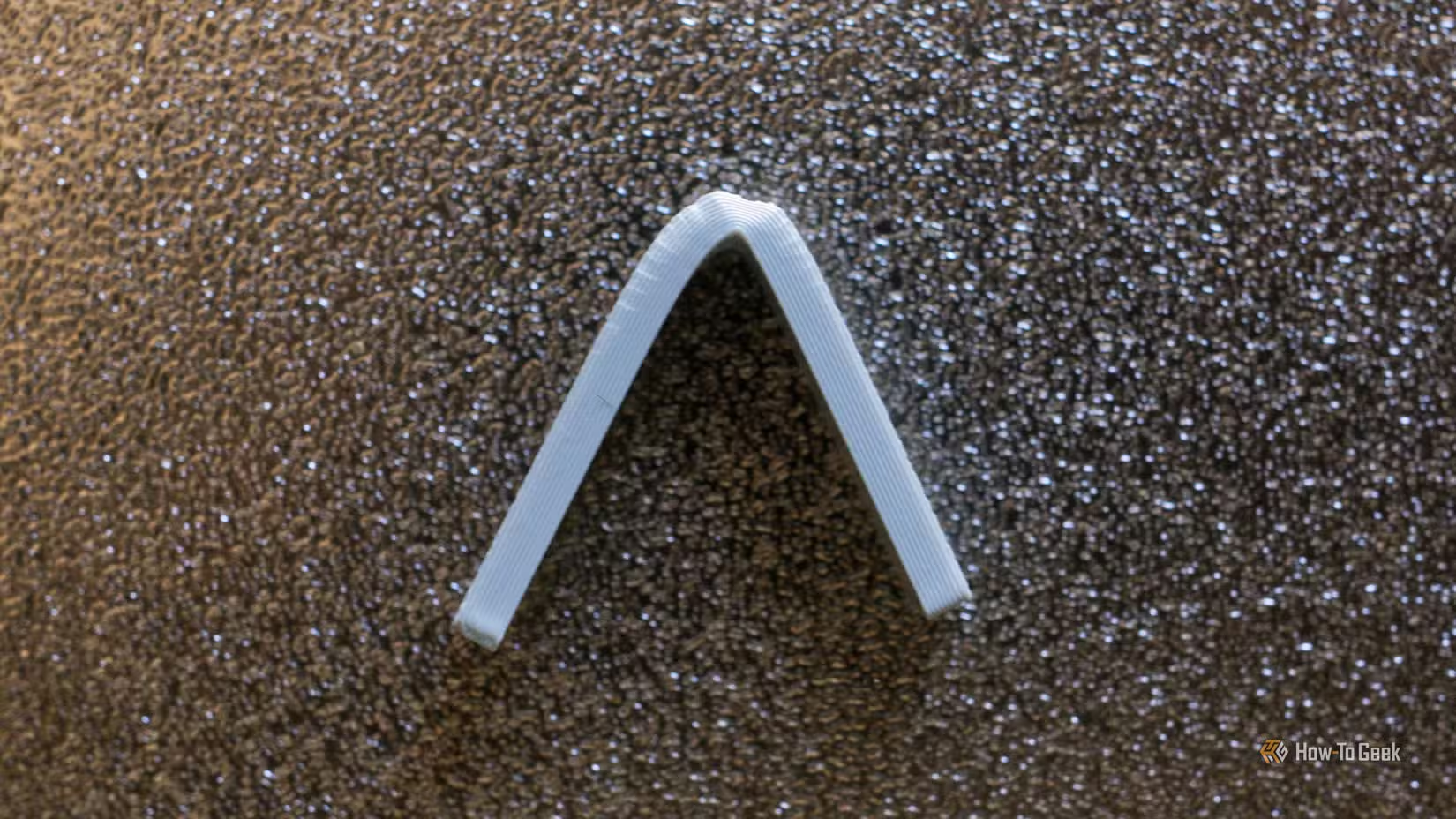
This item is much stronger when placed under the same pressure since the layer lines connect across the entire length of the object. In fact, the object bends and doesn’t snap when we apply a lot of pressure:
Think about strength when arranging models in the slicer
Your 3D printer will always print in layers, starting with the bottom layer and working up to the top. It will do so in the manner you see in your slicer before you send the job to the printer. You’ve got plenty of opportunity to change how the object is made before you commit.
For many objects that you download and print, the author will likely have already thought about this. But there’s nothing stopping you from moving the item around the build plate to try and improve on it. For items you design and print yourself, you’re left to your own devices.
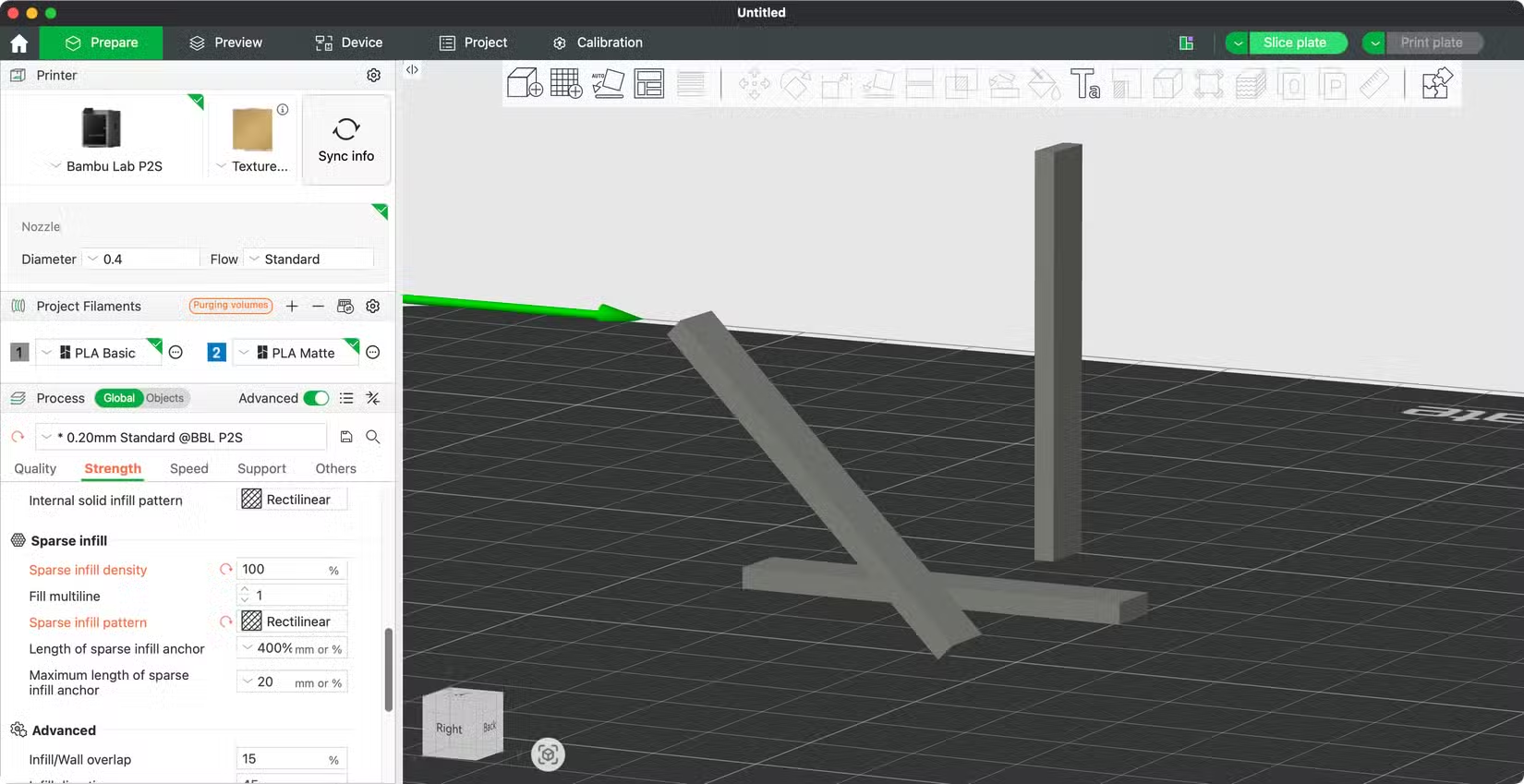
Your slicer software lets you move and rotate objects on the build plate. You can also make use of “Lay on Face” tools, which let you click a face to lay the object down. Automatic orientation features are handy for some prints, but remember that you understand the context of your print better than the slicer does.
You should carefully consider print orientation for any item that is going to take some sort of force or pressure, whether that’s downward pressure on a coat hook, horizontal pressure on a handle, or pressure from both angles, which requires something of a compromise.
When printing at 45 degrees is the best choice
While maximizing layer surface contact should be the goal, sometimes you have to make a difficult decision. For some objects, pressure comes from two or more angles. This means that the optimal arrangement for one angle comes at the detriment of another.
The answer to this is to print at a 45º angle in order to maximize surface contact between layers in both directions. This is a functional compromise that you’re sometimes going to have to make in order to achieve the best all-around strength.
I also printed an example at a 45º angle to demonstrate this fact. The object is thin, but the layer lines have more surface area compared to the first (upright) print above:
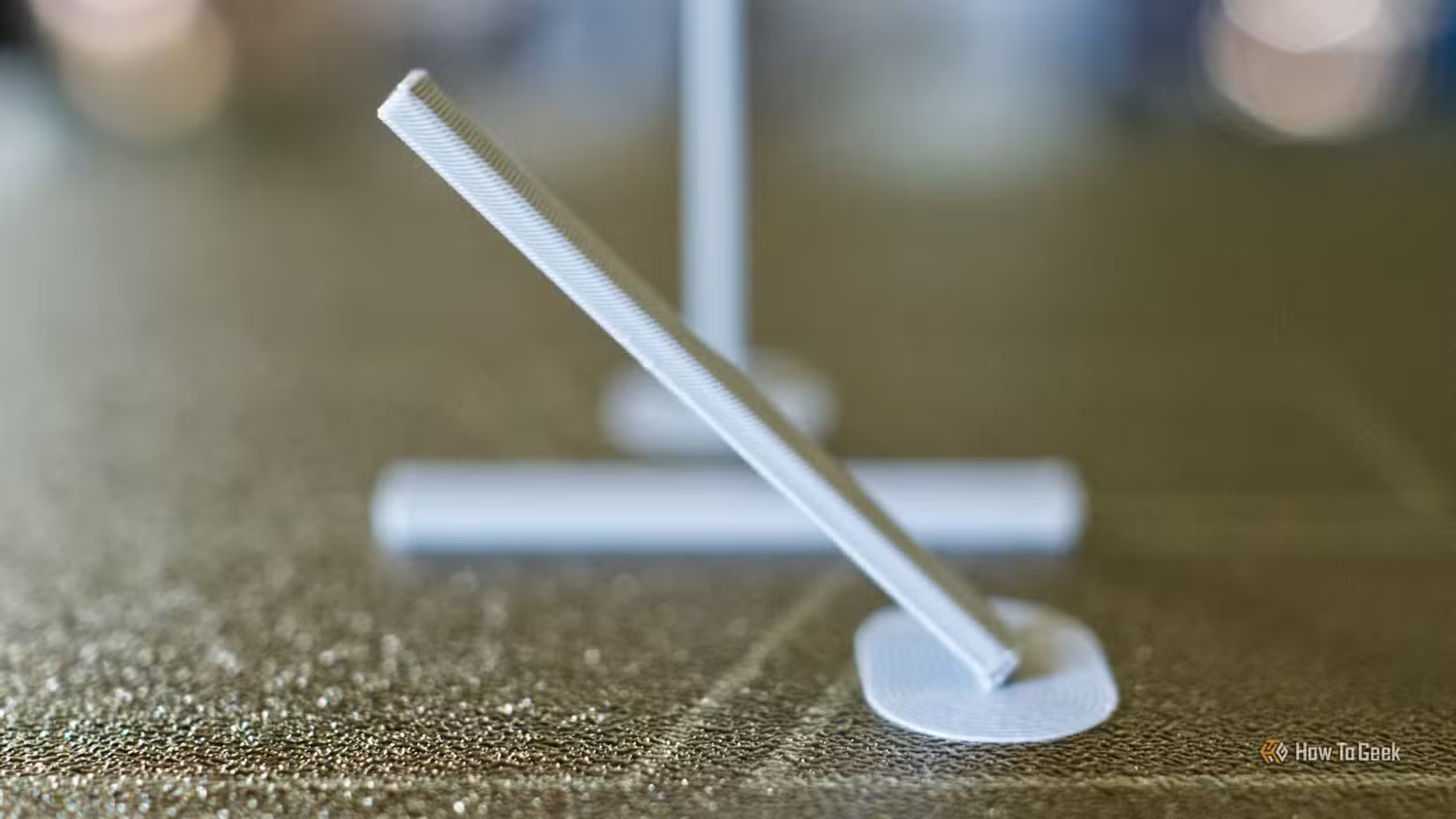
Under the same pressure test, this piece performed better than the first example and worse than the second. But if this were an item that needed to be as strong as possible in more than one direction, the angled print would be my best choice.
You’ll still need to figure out the angle, of course. This might involve standing a 90º corner up on its edge, for which cutting a small flat piece out of the corner will improve bed adhesion:
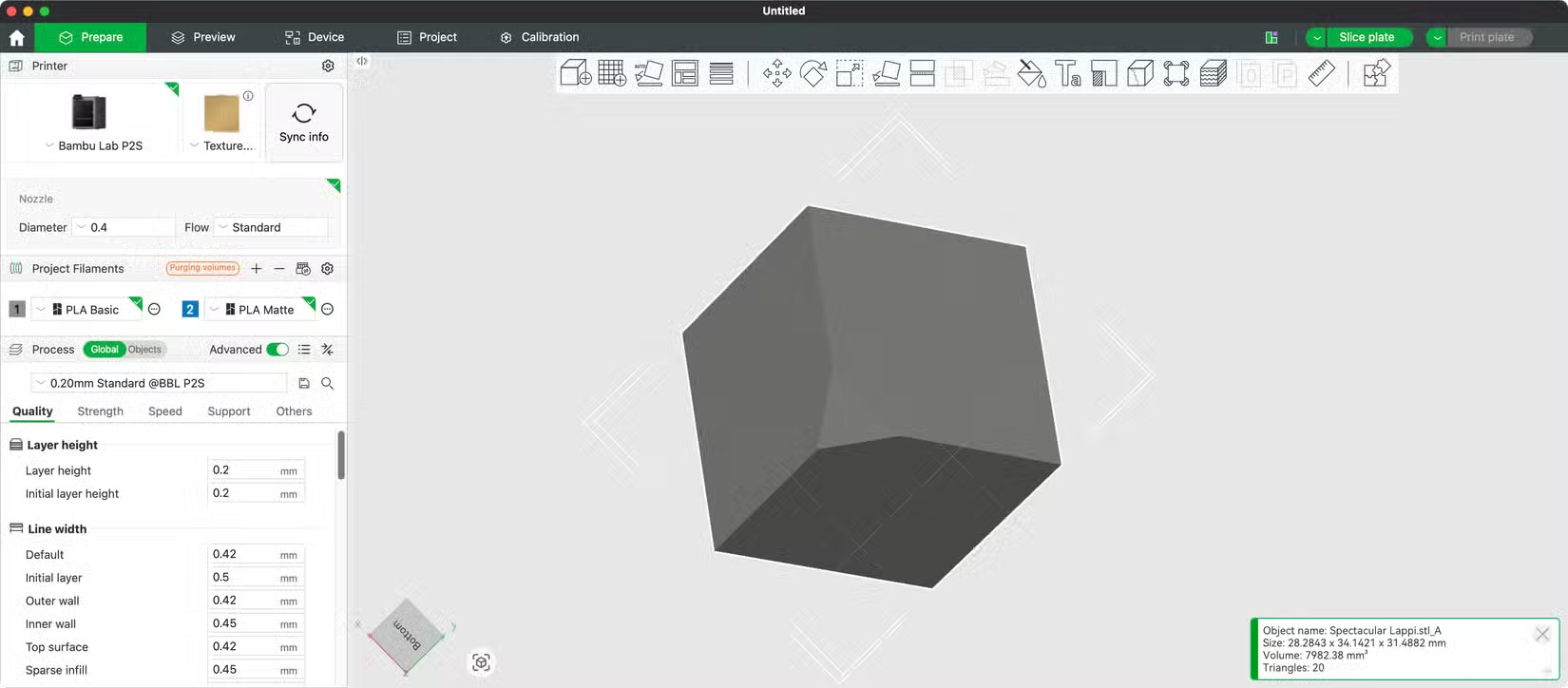
Another thing you may have to deal with when selecting an optimal 45º angle is supports and brims. I managed to print my 45º example above using just a brim, which Bambu Slicer added for me automatically. For heavier items, supports will be necessary to prevent problems with overhangs at the top of your print.
Ultimately, this is a trade-off you’re going to have to make on a case-by-case basis. Using a bit more filament on an initial print that requires supports is likely to consume less filament than if you have to print an item again from scratch because it was too weak the first time.
3D printers are incredible devices, but they’re not without their limitations. Perhaps one of the most egregious is just how wasteful multi-color and multi-material printing can be on most printers.
Source: Read Full Article