






Not only are the fumes potentially harmful, but certain parts of your 3D printer get hot enough to melt hard plastic. In a worst-case scenario, these parts could malfunction and cause damage to your printer or even start a fire.
So, is it ever safe to leave your 3D printer alone while printing?
Understanding the danger of thermal runaway
Thermal runaway is a phenomenon that can affect all manner of devices. The term is commonly used when talking about batteries, especially rechargeable lithium-ion ones, particularly in explanations about why devices burst into flames, vent gas, or explode.
Within the context of 3D printing, the term is relevant to the heating element within the hotend of a filament deposition modeling (FDM) printer. In order to extrude filament and build a model, plastic filament must be melted and extruded. 3D printers have dedicated components for managing this process. In addition to the hotend, many printers have heated print beds, which also rely on a heating element.
Should these components become damaged or fail in some way, thermal runaway can cause a snowball effect where the heating element keeps getting hotter to the point where the printer is unable to disperse the heat adequately. This could lead to irreversible damage to the printer’s components and fire.
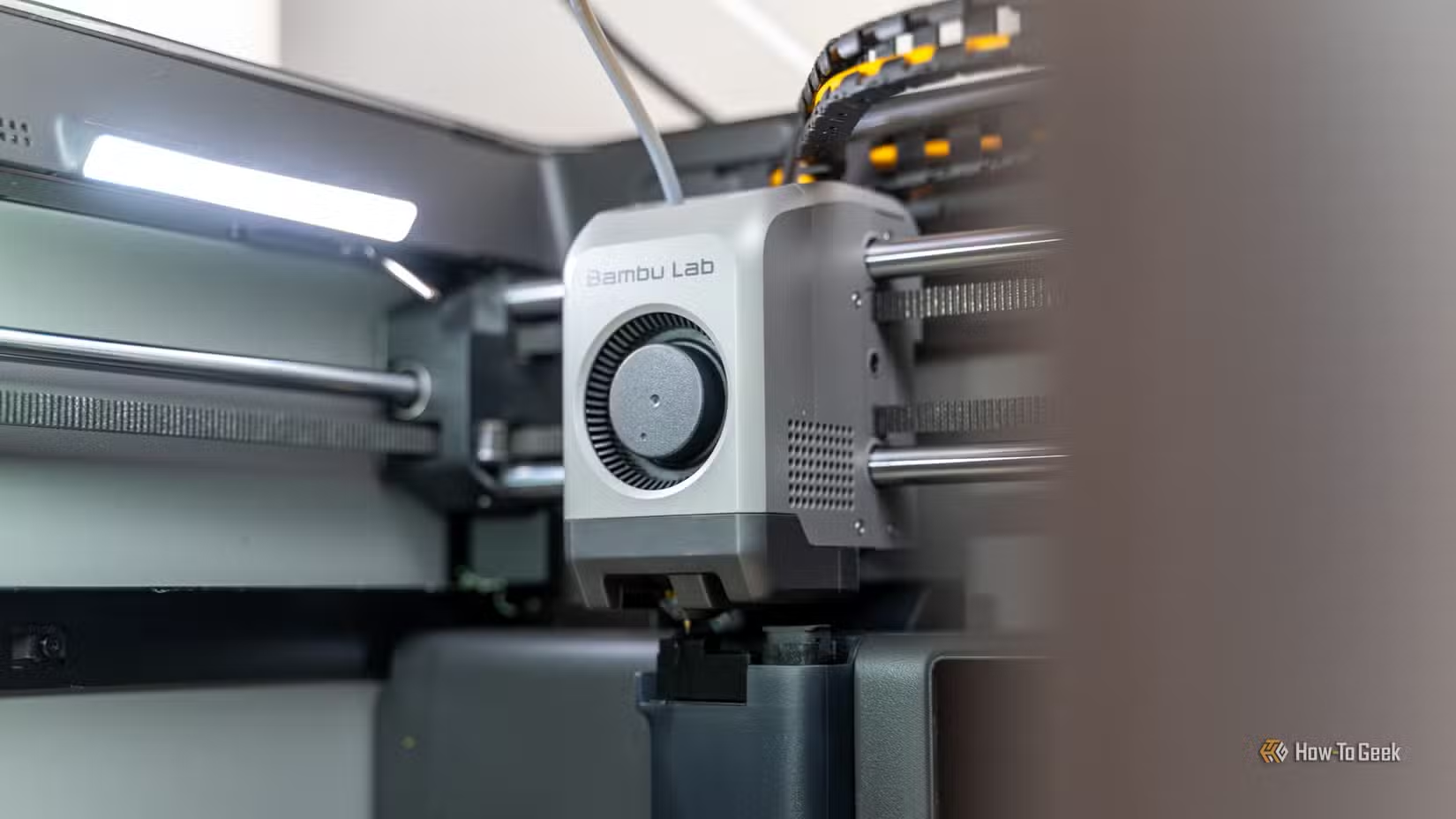
This problem can present itself if the sensor responsible for monitoring temperature fails or malfunctions, since the printer no longer has an accurate reading of how hot the element has become. In theory, firmware should catch this issue and prevent the hotend from functioning at all when a problem is detected.
On top of thermal runaway caused by failed components, 3D printers are subject to the same dangers as any other electronic product if mishandled or damaged. As an example, Bambu Lab recalled early model A1 printers in the US when it was revealed that a cable could become damaged during transit and pose a fire risk.
Modern printers aren’t so bad, right?
The fire danger associated with 3D printers is well documented online, but a lot of the horror stories relate to older models. Improvements made to 3D printer designs over time should theoretically lead to improved reliability and better safety features.
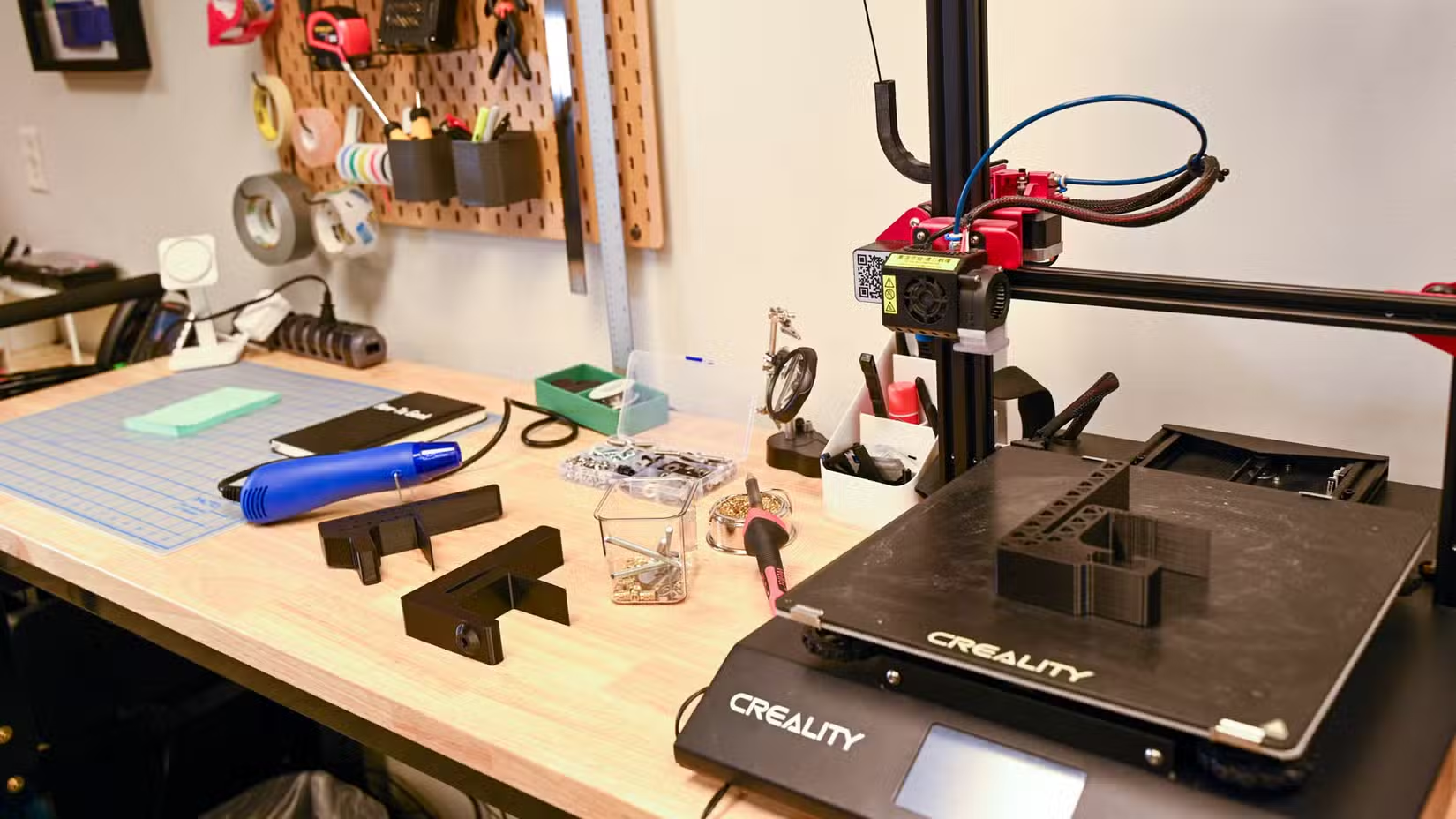
In reality, nobody can say for sure that modern 3D printers are completely safe, even though manufacturers should have learned a few lessons by now. Modern electric vehicles are a good point of comparison, since they’re widely considered to be safer than ever (and often advertised as such), yet they still occasionally burst into flames.
The same is true of other devices with batteries in them, with countless videos of electric scooters and e-bikes posted to social media erupting mid-charge. On the plus side, your 3D printer doesn’t rely on rechargeable lithium-ion batteries. On the other hand, the potential for disaster has led many to adjust their behavior in terms of how and when they plug these devices in.
I’ve left my own 3D printer running overnight many times and had no issues. But I’ve also heard horror stories. While watching reviews of the Bambu Lab P2S on YouTube, I came across a Tom Buck video in which he revealed that this was the first time he’s been comfortable leaving a printer alone while asleep or out.
He said: “[This] is something I’ve just learned never to do in the past. I’ve had, you know, scary things happen with unattended 3D printers. And so that’s just been kind of ingrained into me.” That’s not really something I had considered when I picked up my own printer.
Managing the risk
The most obvious thing you can do to manage the risk posed by a 3D printer is to only print when you’re around. That way, if something happens, you can cut the power, get everyone to safety, throw the printer out of the window, and do whatever it is you need to do.
Not everyone loves firmware updates (in fact, some 3D printer owners prefer to wait before applying them). Bambu Lab owners know all too well about how new 3D printer software updates aren’t always a good thing, but at the same time, these updates may fix bugs and make improvements to safety procedures. That’s why I install them right away.
Maintenance is another important part of 3D printer ownership, though it can be hard for a layperson to spot issues with components before they happen. You can inspect the hotend for obvious signs of wear or damage, and pay close attention to the wiring associated with it. If something doesn’t look quite right, contact your printer’s manufacturer and ask other owners for their input.
This can be done as part of your regular maintenance schedule, which includes lubricating shafts and rails, replacing filters, and cleaning the extruder and nozzle. If you’re not sure what routine you should be following, check with your printer manufacturer.
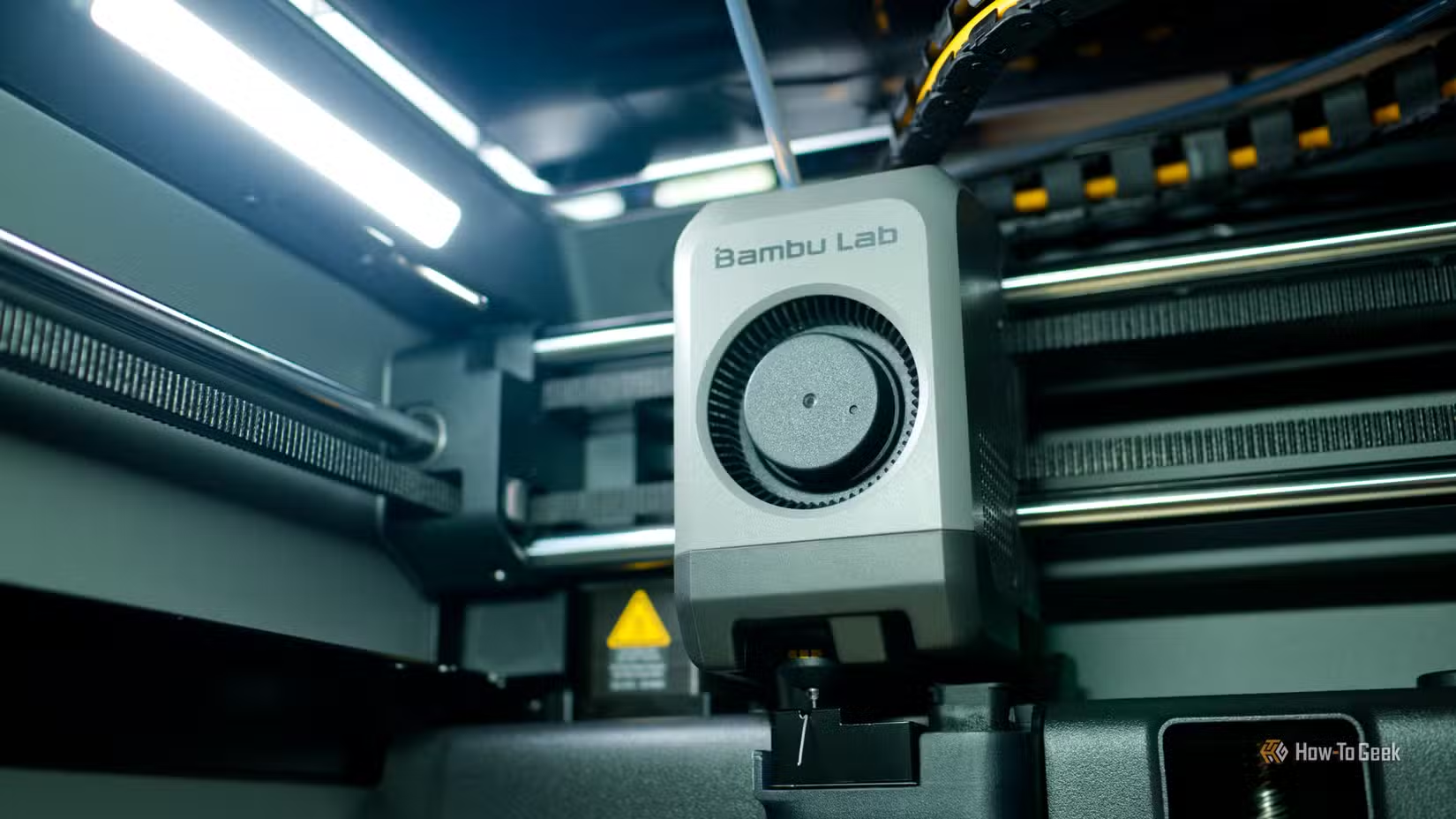
Ultimately, you’re managing the printer’s risk like you are any other appliance or device that could pose a risk. Make sure your smoke detectors are working and routinely change the batteries, and consider upgrading to a connected system that sounds an alarm all over the house if one detects a problem.
Beyond this, you might want to consider moving your printer elsewhere, like a workshop or garage, where a malfunction would be less likely to endanger life or your residence.
Moving your printer to another location is something you might want to do if you’re concerned about fumes, too.
Source: Read Full Article