








While QR codes can be useful in some circumstances, I’d never felt like they would be much use in my smart home. It took one automation to make me realize how useful they could be.
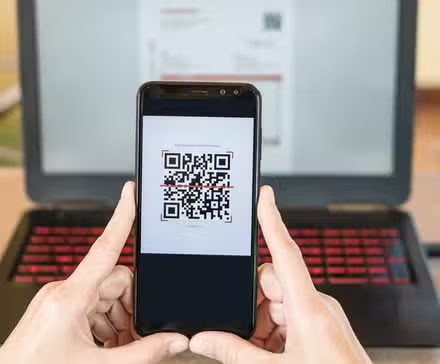
What is Quishing? How To Protect Yourself From QR Code Phishing
The next QR code you scan could steal from you.
How QR codes can trigger Home Assistant automations
The magic of webhooks
A QR code is essentially just a fancy way to store a small amount of information, which is often a URL. If you scan a QR code on a food product, for example, it might take you to the manufacturer’s website.
You can use QR codes to trigger automations in Home Assistant. If you add the Webhook trigger to your automation, Home Assistant generates a unique webhook ID that you can use to run the automation.
It’s then possible to create a QR code that encodes a URL containing your webhook ID. When you scan the QR code, the URL is launched, and the webhook trigger is activated, running your automation.
By default, this will only work over your local network; you won’t be able to trigger your automation by scanning a QR code when you’re connected to a different network. However, if you have a Home Assistant Cloud subscription, webhook triggers will work even if you scan the QR code outside your local network. You can also get them to work using other remote access options, such as a Cloudflare tunnel.
I didn’t see any real purpose to QR code triggers
There are easier ways to trigger automations
For a long time, I didn’t see how triggering Home Assistant automations via a QR code would be of any real use. Scanning a QR code requires you to pull out your phone, open your camera app, point it at the QR code, and then tap the link that appears. It’s a lot of effort to get an automation to run.
There are plenty of quicker and easier ways to manually run Home Assistant automations. You can use a smart button or scan an NFC tag, you can use a voice command, or you can tap something on your smart home dashboard. Scanning a QR code always felt less useful than these other methods.
I’d tried most trigger methods in Home Assistant, but I’d pretty much resigned myself to the fact that QR codes weren’t worth the effort. I was happy to ignore them.
- Dimensions (exterior)
-
4.41″L x 4.41″W x 1.26″H
- Weight
-
12 Ounces
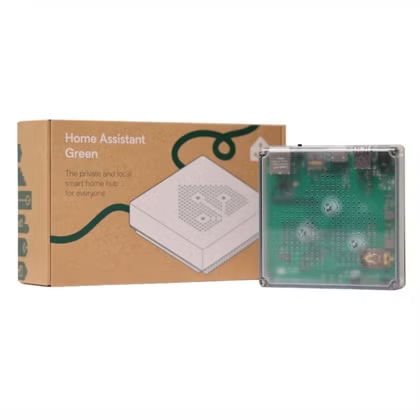
Home Assistant Green is a pre-built hub directly from the Home Assistant team. It’s a plug-and-play solution that comes with everything you need to set up Home Assistant in your home without needing to install the software yourself.
Where QR codes are actually useful
It’s a simple way to share Wi-Fi credentials

There is one way that QR codes can be incredibly useful in your home. They’re an excellent way to share Wi-Fi credentials without having to try to spell out your long and complicated password.
You can generate a QR code that contains three pieces of information: your network name (SSID), your Wi-Fi password, and the authentication type that your network is using. When someone scans a QR code that contains this information, their phone reads the information and asks if they want to join the Wi-Fi network. If they agree, their phone will connect to the named Wi-Fi network using the password encoded in the QR code.
This is a genuinely useful way to use QR codes. Scanning a code is much quicker than trying to type in a long password on your phone. I have a guest Wi-Fi network set up at home and have a QR code that guests can scan if they want to access the Wi-Fi.
I also have a guest mode set up for my smart home, for when guests come to visit. This disables some automations, so that the guest isn’t plunged into darkness when my wife or I leave the house, and no one is detected as being at home. It dawned on me that it might be possible to have the guest mode automatically turn on when someone scans the guest Wi-Fi code.
One QR code to rule them all
A single QR code doing two jobs
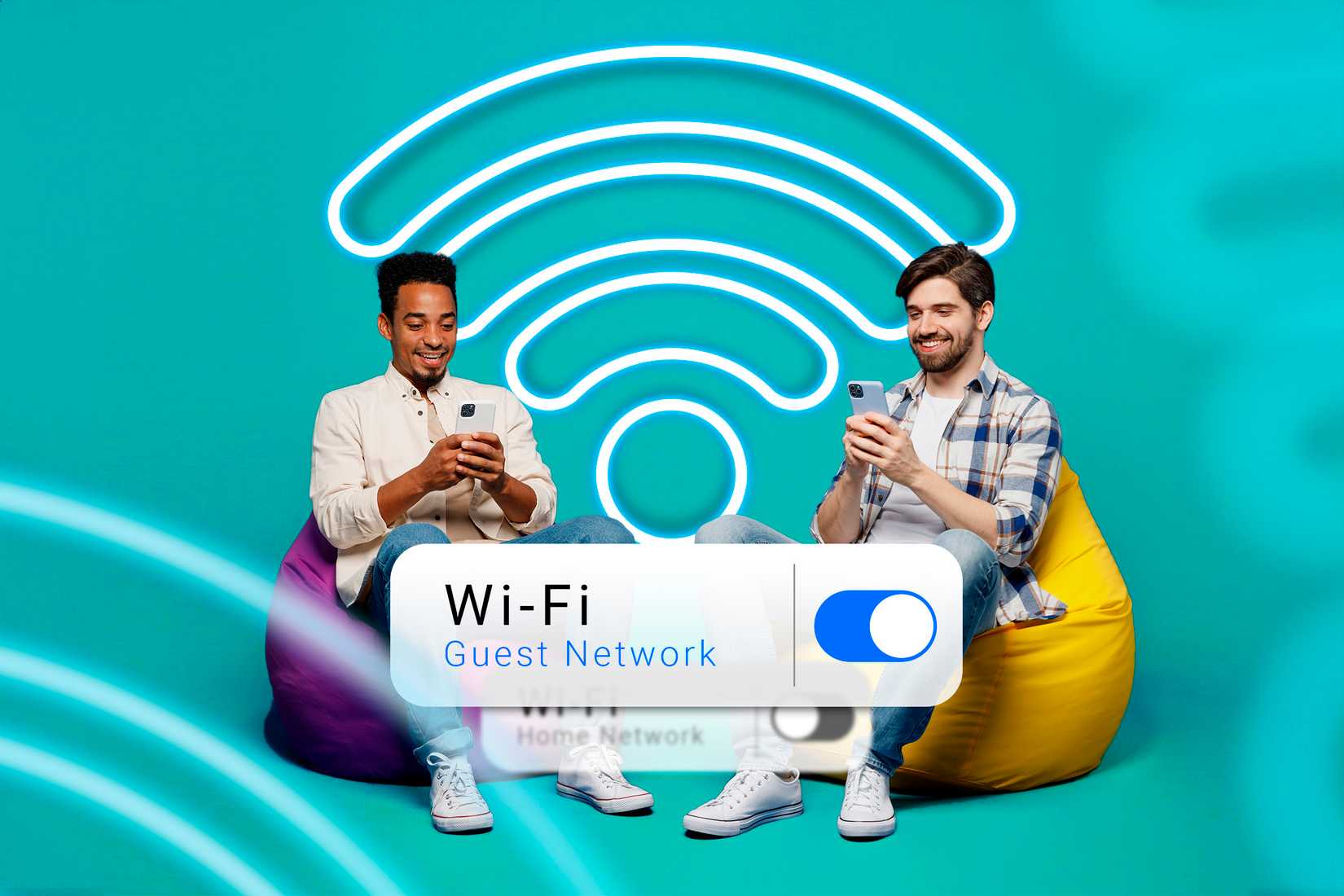
Unfortunately, this wasn’t as simple as I first thought. By default, a QR code can only do one thing. You can create one that will open a webhook URL, and you can create one that will connect to a Wi-Fi network, but you can’t easily create one that will do both.
I could create two separate QR codes that the guest could scan, but that isn’t very user-friendly or elegant. Then I realized that I didn’t need to use a second QR code at all.
Depending on your router, there are some Home Assistant integrations that can detect when a new device joins a Wi-Fi network. I was able to use this as a trigger to toggle guest mode on. When a guest scans the Wi-Fi QR code, their phone connects to the guest Wi-Fi network, and the automation triggers, turning guest mode on.
I finally have a useful workflow that’s built around a QR code. It makes life simple both for my guests and for me, and that’s a real win.
Don’t write off Home Assistant features
Home Assistant is so packed with features that there are plenty of things I’ve never used. Sometimes, the features that you think you won’t need may turn out to be really useful after all.
Source: Read Full Article