









After having printed in a single filament color for years, I found the idea of a multicolor 3D printer extremely appealing. There’s no arguing with the results either. Multicolor prints are a big step up aesthetically, and there are big practical upshots too for functional prints.
But the typical multicolor system has a nasty secret: purge waste.
What “purge waste” actually means in real prints
What a waste!
You might be aware of the little “poop chute” on the back of multicolor printers, or on printers that have the option to be upgraded to multicolor at a later date.
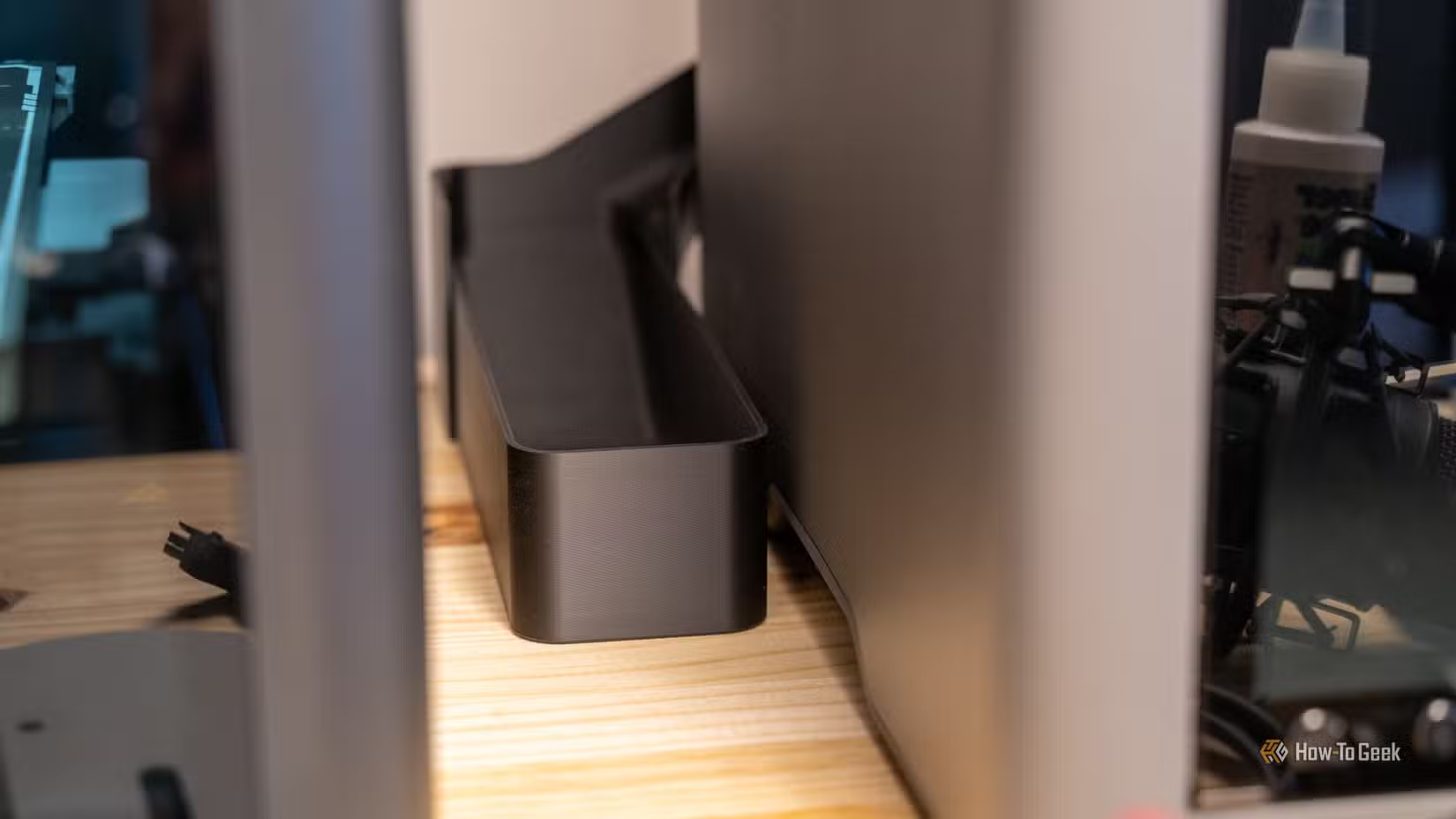
You may also be aware that these little “poops” come out. This is waste purge.
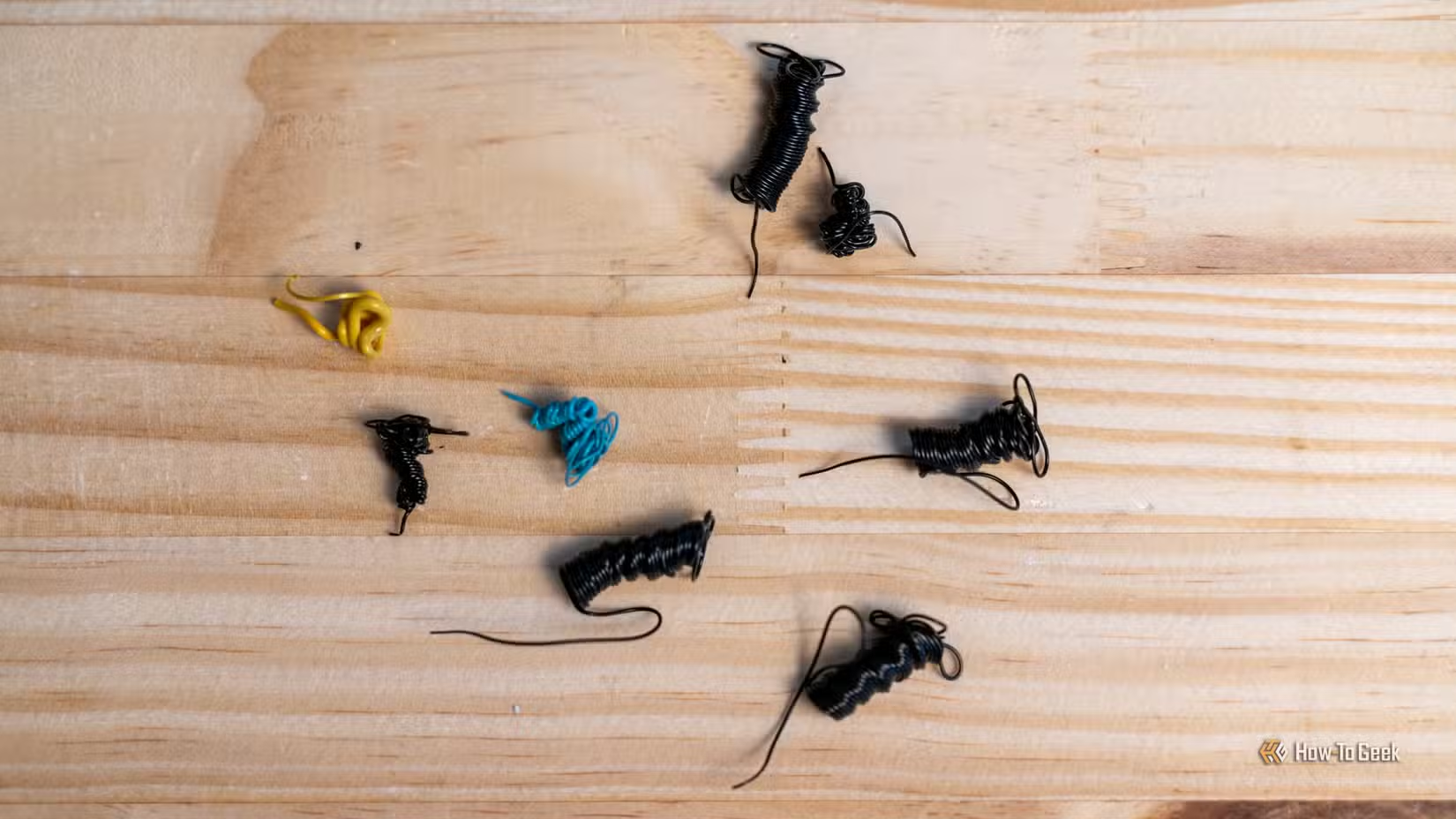
But why does this happen? The answer comes down to how the most common multicolor system works. Most printers have a single nozzle and hot end. The multicolor system effectively has to load and unload the necessary filament every single time a color change happens.
The purge has to happen to ensure none of the previous filament remains in the nozzle. This, combined with the filament priming tower combine into the sum total of waste material collected in a bin. How much waste there is depends on the print, but in my experience it’s often more than the total material in the end product!
Why your printer can waste more filament than it uses
How much?!
To illustrate why these printers can waste so much material, I set up a torture test using my four-color multi-material Centauri Carbon 2. I downloaded a fan-made model of a robot called a “Tachikoma” featured in one of my favorite cyberpunk series, Ghost in the Shell. The model comes without any colors at all, so I spent a few hours painstakingly “painting” it in the slicer to have as much color detail as possible, with no regard whatsoever for waste.
As you can see in the sliced preview, 500g of the 800g total material used for this model is purge waste! Of course, this is an extreme example, since this includes over 1100 color changes. However, even when I optimize models to have as few color changes as I can get away with, it’s not unusual to have 25% of the total material used be purge waste.
Incidentally, I’ve covered how to minimize purge waste in a separate article, which should help you understand how to mitigate the issue.
The real cost: Time, money, and environmental impact
Only you can decide if it’s worth it
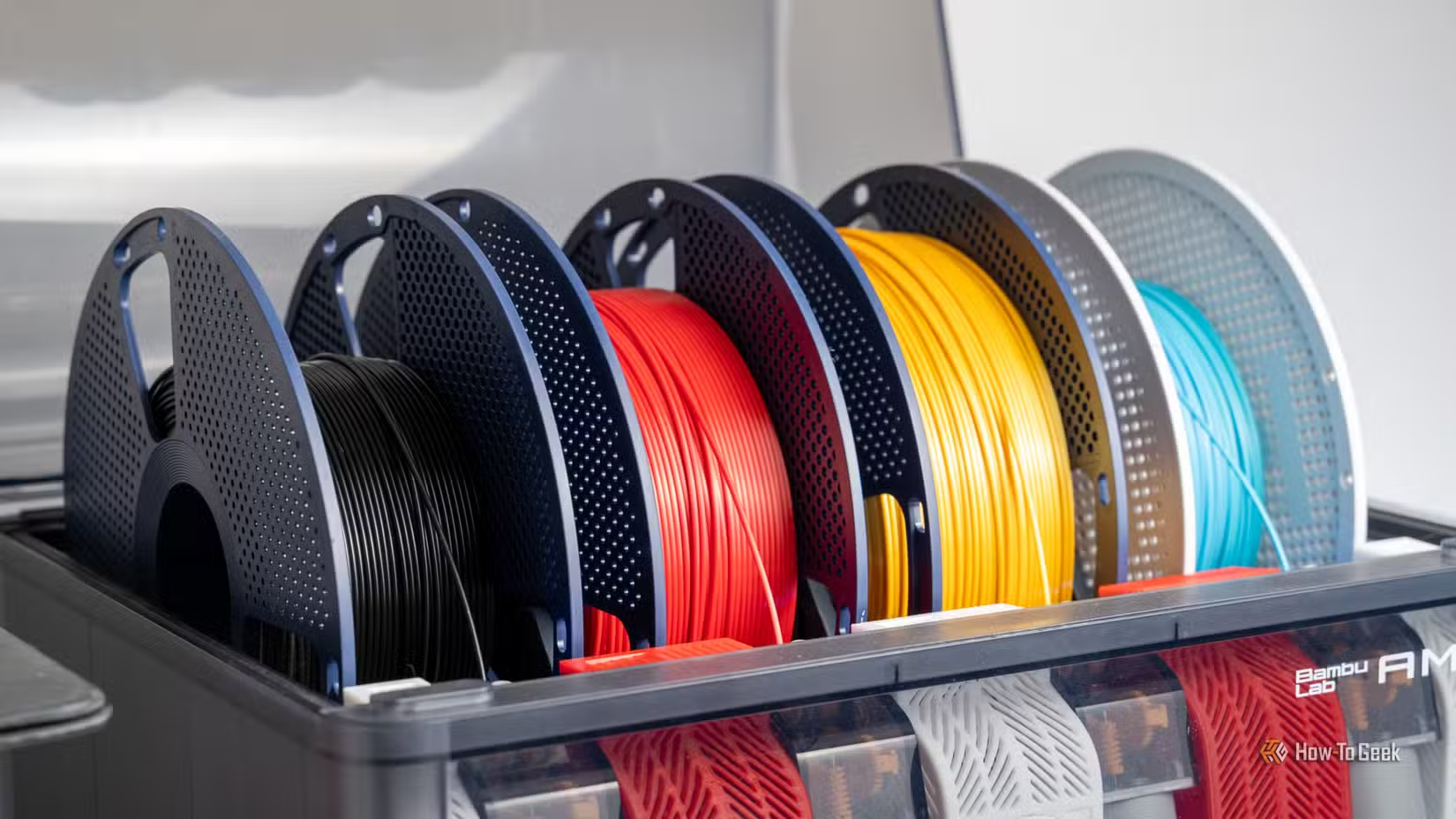
How much does this waste matter? It all depends on what you think is important and what you value. The first cost is time. Color changing adds a lot of time to a print. As an example, if I decided to simply paint the black and white parts of my Tachikoma model, then I would save an enormous amount of material and print time. However, could I do a good job, and is the time I spend doing that worth more to me than the hands-off print time and material waste?
I can’t answer that question for you, but in the case of the once-off Tachikoma model that will adorn my shelf for many years, it’s worth it. Would this much wastage be worth it for the licensed models I print and sell? No! Because it makes it hard to make enough volume and the profit margin would be too slim.
Apart from material and time costs, there’s the environmental angle too. I almost exclusively print in PLA, which is (on paper) biodegradable. Though there’s a lot of controversy about how true this really is in practice. Other filament types can have a worse environmental impact too, but the good news is that there are ways to recycle filament.
You can purchase your own filament grinder and a filament maker that uses that ground plastic to make new filament. These machines can be pricey, and they take quite a bit of electricity. Also, the filament you get out might not be that great, but you can use it for prototyping instead of using virgin filament instead.
The other alternative is to look around for a 3D print shop that has its own grinder and ask them if they want your waste. You don’t get anything out of this, but at least your waste gets some use again.
A purge-free future is here, if you can afford it
We’ve fixed the issue, but it’s expensive
Multicolor printing is the future, and multi-material printing is the most likely way it’s going to happen in the mainstream, but we don’t have to deal with purge waste. If you design a printer from the ground up to work with multiple filaments, there are ways to avoid purging. Right now the most promising solution is to use a tool changer. By having a dedicated tool head for each filament, you don’t need to purge that head when you swap colors.
A prime example is the (as of this writing) upcoming AtomForm Palette 300 which can handle 36 colors and 12 materials with much less wastage. Several other printer brands are coming out with the same thing, but the downside is the cost of these more complex designs. It’s cheaper just to deal with the waste of a traditional multicolor printer for now, until these cutting-edge systems come down in price, but it is nice to know that a solution is on the way.
Source: Read Full Article