







Google TV (along with Android TV) is one of the most popular smart TV platforms, thanks to its wide availability from brands like TCL, Sony, Hisense, and others. It has a massive selection of streaming apps and services, Gemini built in, and more. But did you know there’s a lot more you can do with that TV?
After you’re done catching up on the latest Netflix special or binge-watching your favorite show on HBO, you should try some of these awesome Google TV apps that have nothing to do with streaming. I’m talking about turning your TV into a web browser, smart home utility hub, a fitness coach, and so much more. It runs on Android, after all, and that gives your TV all sorts of possibilities.
TV Bro (Web Browser)
It’s the most underrated app for your TV
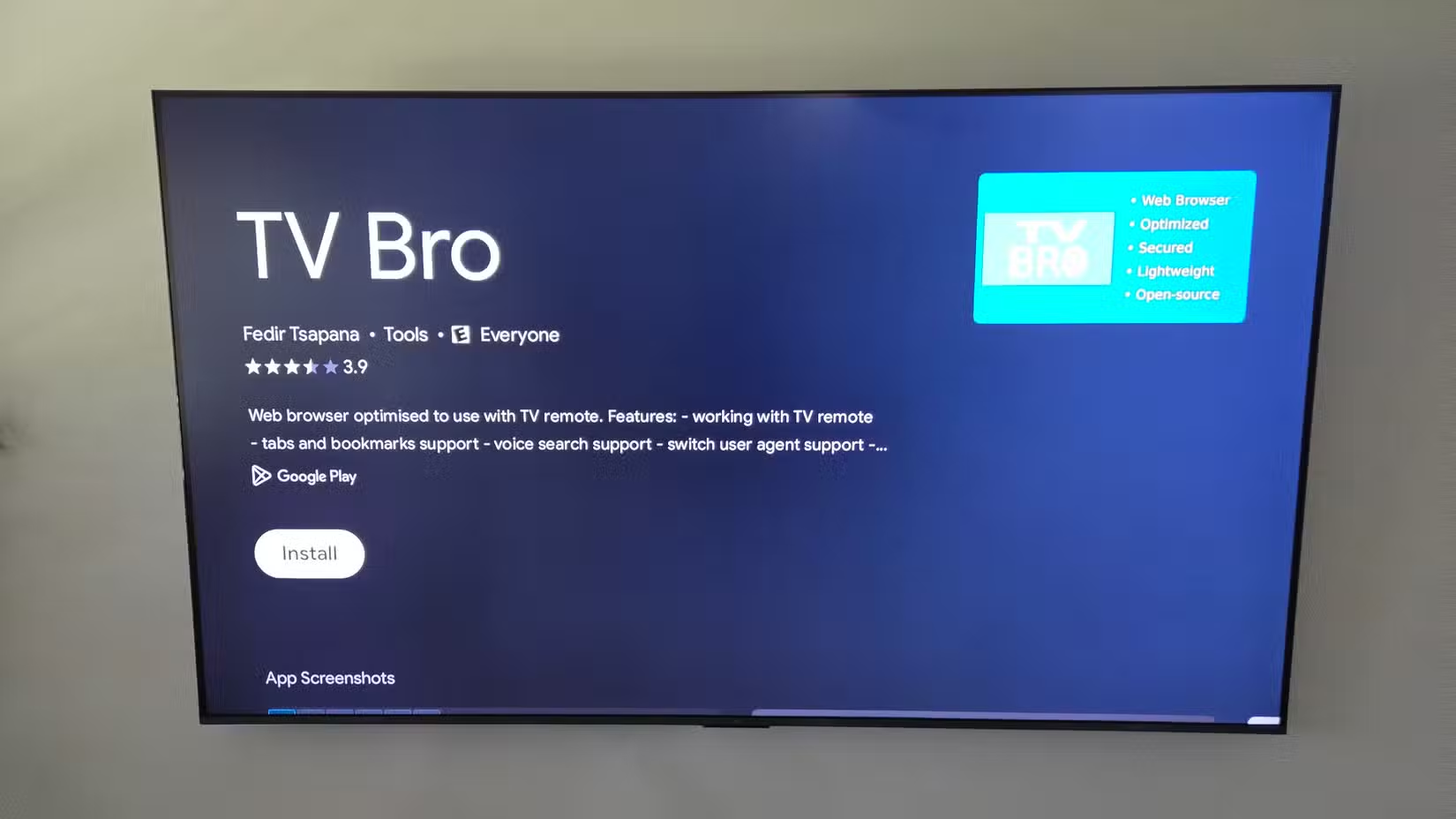
I recently discovered the TV Bro app for Google TV or Android TV, and now it’s one of my favorite apps. It’s essentially a web browser you use on a phone or computer, only fully designed and optimized for a big-screen TV and a remote.
TV Bro is a free, open-source browser built specifically for TV remotes. Not only is navigation and overall usage extremely fast, but it features voice search to avoid typing with a D-Pad, a built-in ad blocker, and so much more.
Yes, that means you can easily check your emails, browse the web, and read the news, view a calendar, or anything else you’d like to do on a TV with a web browser. You can bookmark your favorite streaming sites, play browser games, etc. Trust me, you’ll enjoy it.
Downloader for TV
A file manager and more
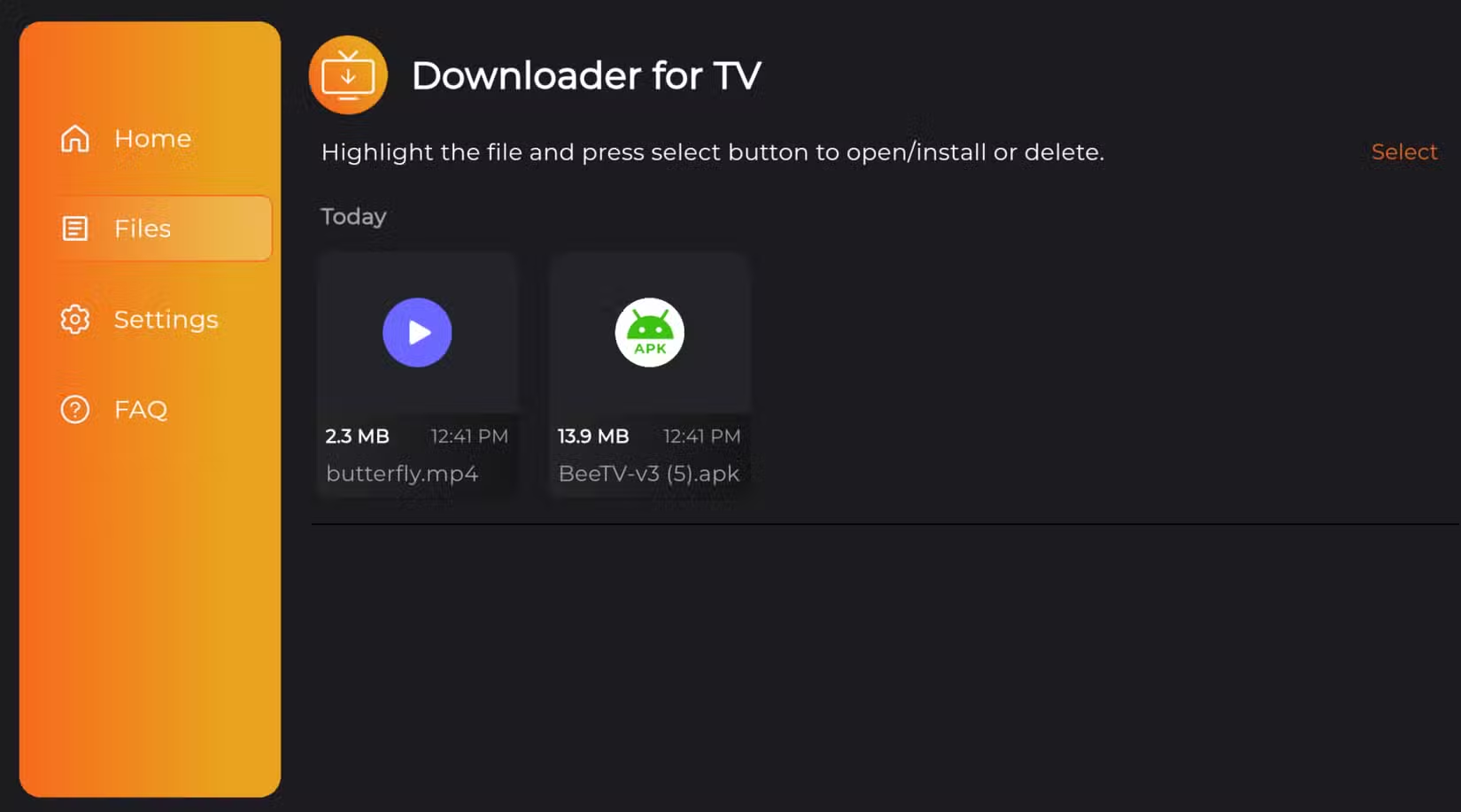
One of the most useful non-streaming apps for any smart TV is a download tool and file manager of sorts. In this case, I’ll recommend the app called Downloader for TV.
It’s a web browser in a sense, but you’ll mainly use it for managing files and downloading APKs to sideload to your Google TV device. If there’s something you want on the TV that’s not available from the Play Store, Downloader for TV is the answer.
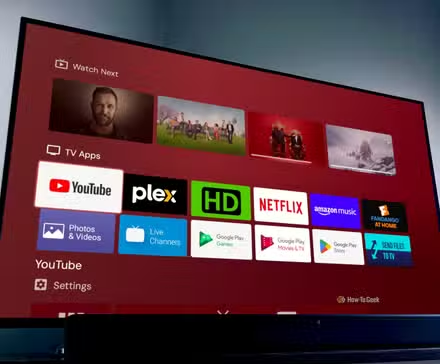
I ditched the default Android TV home screen—here’s what I use instead
Home screen launchers aren’t only for phones.
Once you enable developer options to install apps from unknown sources on your TV, you’re all set. Then, this app becomes the easiest way for you to access, download, and manage third-party software.
A prime example is downloading a new Launcher, like Projectivy, which makes Google TV clean and fast and gets rid of all the junk or continue-watching boxes. If you want to sideload apps, you’ll want a downloader app.
VLC for Android
The best app for local media playback
Most people have used VLC at some point, and if not, it’s one of the most popular media players around. The VLC app for Android works better than you think on Google TV or Android TV, and if local playback is part of your entertainment plans, you’ll want this app.
If you’re sick of all the content on streaming services or the never-ending price hikes, load up a flash drive or plug your TV into a streaming box, then watch content with VLC. The best part of the app is the endless file format options, but overall, it’s just a great media player.
FitOn Workouts
Get in shape from your living room
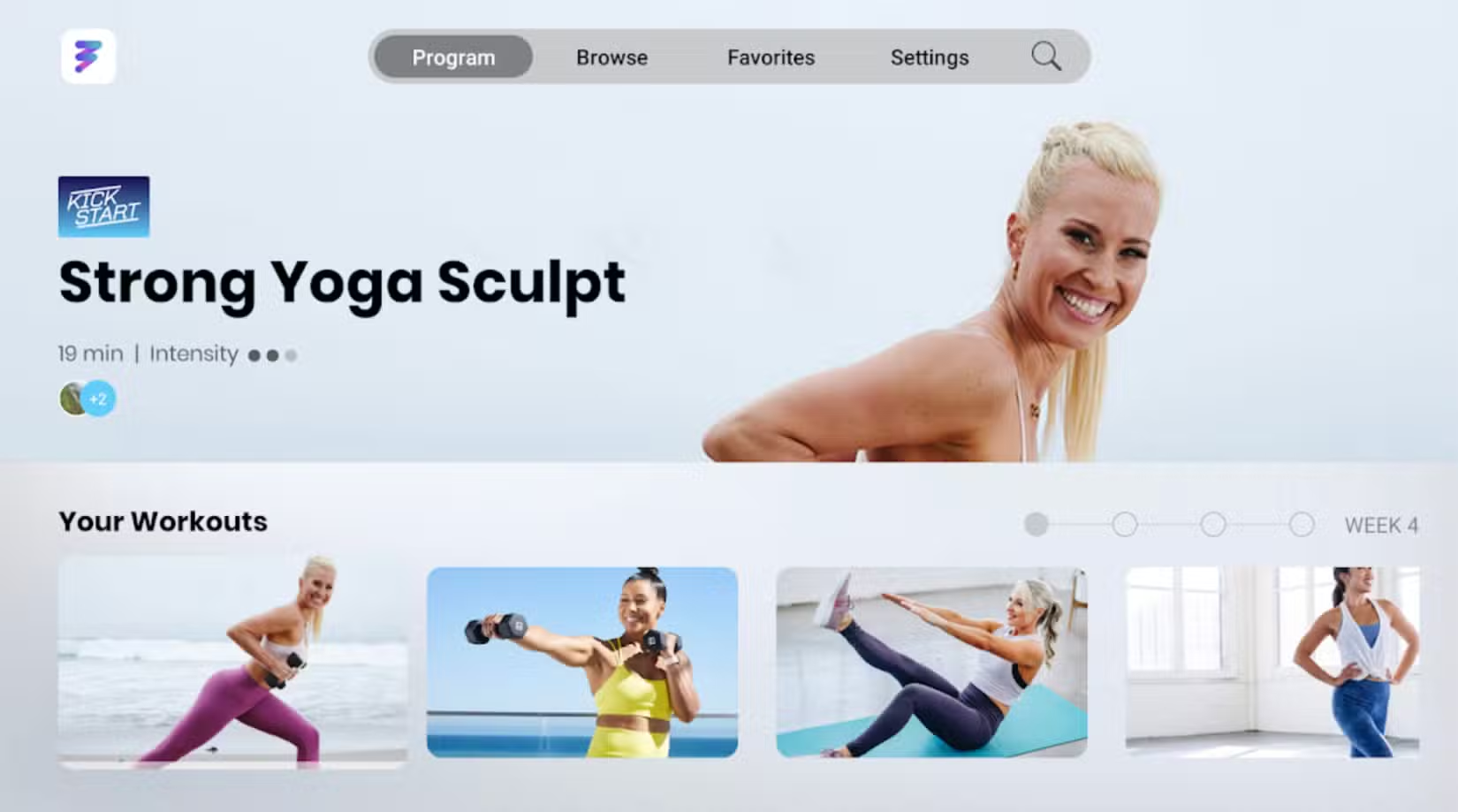
Another thing you’ll want to consider is downloading a few different fitness apps that transform your TV and living room into an at-home gym. Sure, this is “streaming” in a way, but you’re streaming a workout, not a movie or TV show.
FitOn Workouts is one of the most popular options, but you can get apps from Peloton and various other brands, then follow along right from home.
Send Files to TV
Easily send files to the big screen
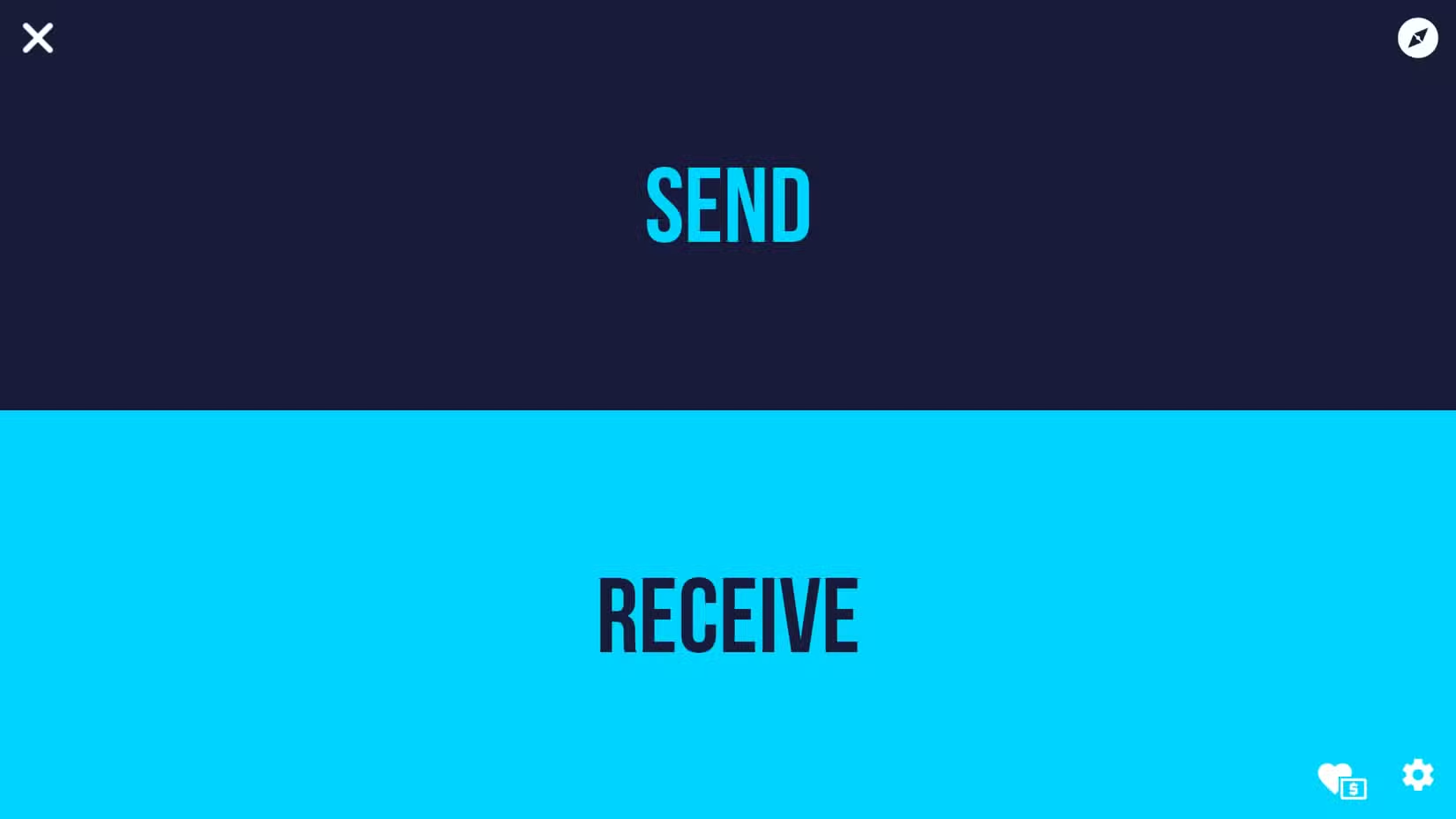
If you’re looking to play local media on your TV, download and sideload apps or other APKs, or do anything with a file on your TV, you’ll need an easy way to get them onto your device. And while we’ve already mentioned a few apps for that, Send Files to TV makes it easier than ever.
Since we can’t use Google’s built-in Quick Share protocol to share things to the big screen, you’ll need to use an alternative like this one. It’s especially easy to send files from a phone to the TV, and I like the app design, fast performance, good transfer speeds, and broad compatibility with different TVs, phones, tablets, and other devices.
More than just a streaming device
Your Google TV is more than just a streaming device. Some of the apps mentioned above should give you a good idea of the possibilities, and are great places to start. Don’t just watch Netflix and call it a day. Instead, use your TV as a command center for anything and everything, from email to workouts.
A few honorable mentions include the Wi-Fi Analyzer app to ensure your TV is using the best connection possible for faster streaming, AirScreen for mirroring content from a phone or tablet to the big screen, or atv Tools that turns your phone into a better remote.
Source: Read Full Article